10
How the System Works?
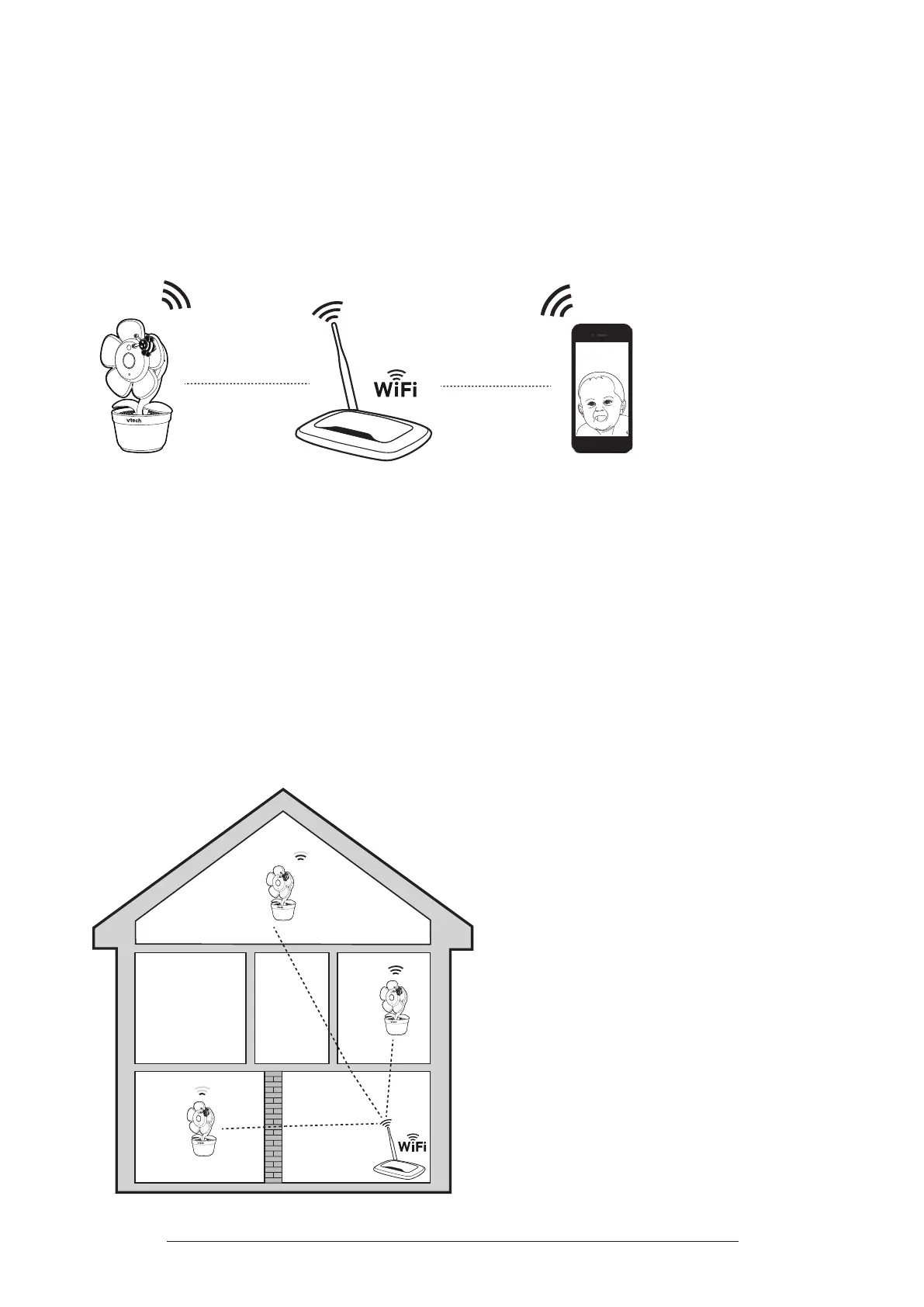
Your home Wi-Fi network provides Internet connection to your camera so that you
can monitor and control your camera where ever you are through the MyVTech
Baby Pro App.
Your Wi-Fi router (not included) provides the Internet connectivity, which serves as
the communication channel.
Mobile access
Wi-Fi connection
or
Test the Location for the Camera
If you plan to install your camera in a designated location, you need to test
which of your selected monitoring areas within the house have good Wi-Fi signal
strength. Adjust the direction and distance between your camera, mobile device
and Wi-Fi router until you have identied a suitable location with good connection.
Note: Surroundings and obstructing factors, such as large metallic objects, ling cabinets, long
distances, electrical appliances, and internal walls, may reduce Wi-Fi signal.



 To Next Page