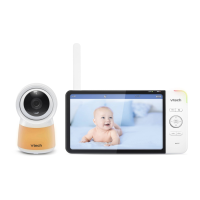
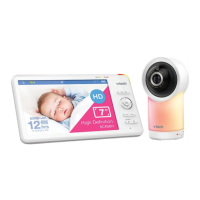
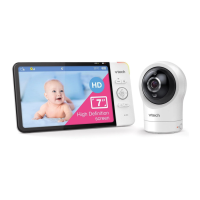
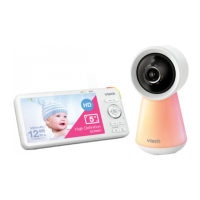
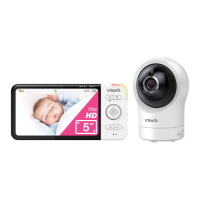
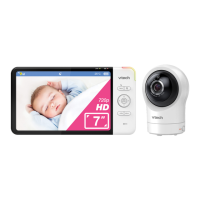
7
1 Bee cover
2 Light sensor
3 Camera lens
4 Microphone
5 Night light
6
Speaker
7 Status LED
8 PAIR
• Press and hold for three seconds to enter pairing mode.
• Reset the baby unit to factory default.
1. Press and hold PAIR key until you hear a beep sound.
2. Release the PAIR key, and then press the PAIR key again ve times until you
hear another beep sound.
3. The camera will sound another beep when the reset completes. Then, the camera
will reboot.
9 Temperature sensor
10 Power jack
11 Wall mount slots



 To Next Page