49
4. Phonebook
- OR -
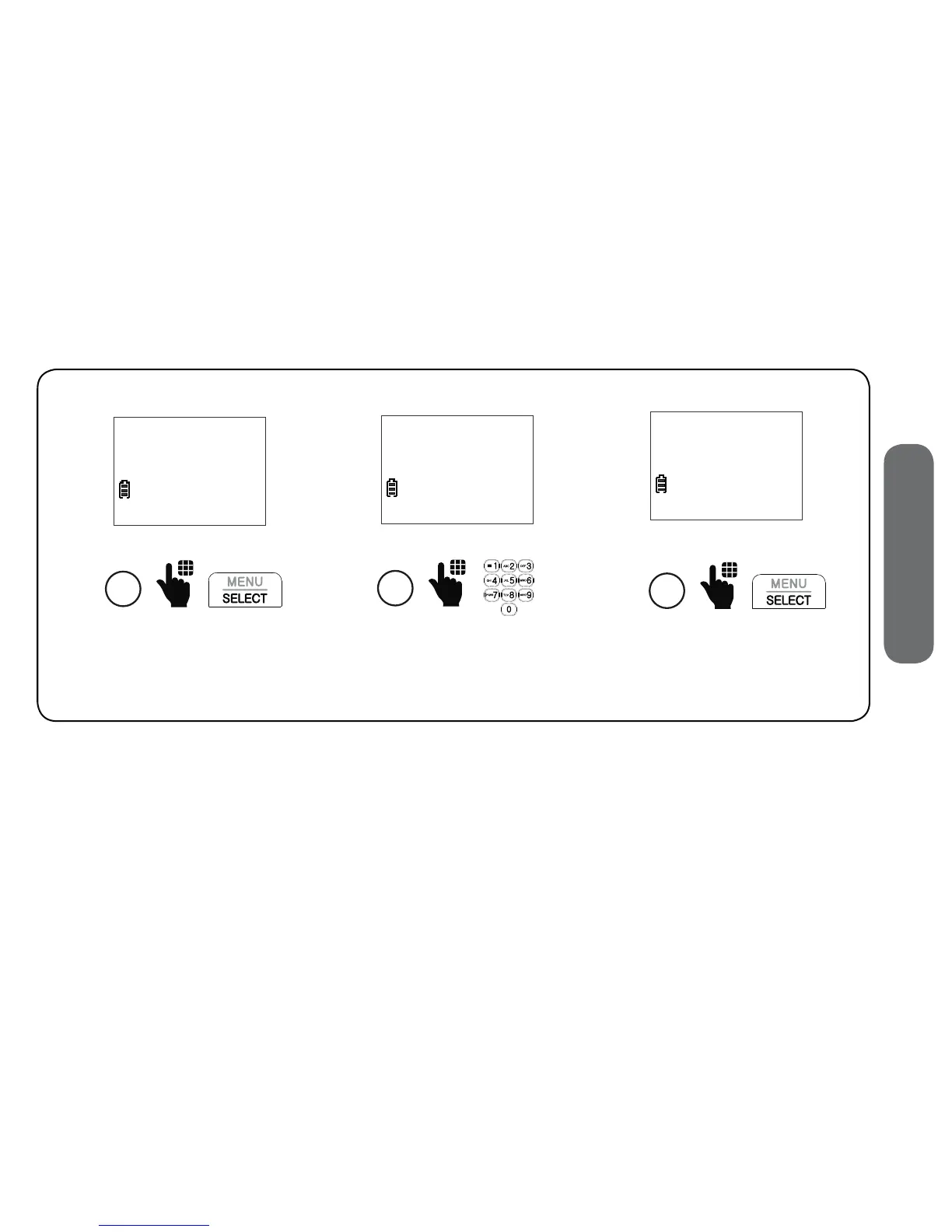
1. Press MENU on the cordless handset when the telephone is not in use.
2. Scroll to Phonebook, and then press SELECT.
3. Scroll to Add contact, and then press SELECT.
4. Enter the phone number, and then press SELECT.
5. Enter the name, and then press SELECT.
5
Enter the name
ENTER NAME
_
Press SELECT.
6
ENTER NAME
Mike Smith_
Press SELECT.
4
EDIT NUMBER
800-595-9511_


 To Next Page