69
6. Smart call blocker
Screen calls without numbers
If Smart call blocker is on, and you have set
to screen calls without numbers and ask for
caller’s name, the telephone will not ring
when receiving calls without numbers. It
plays the screening announcement to the
caller and asks the caller to respond before
putting the call through to you.
Smart call blk
Screening...
10:15PM 12/25
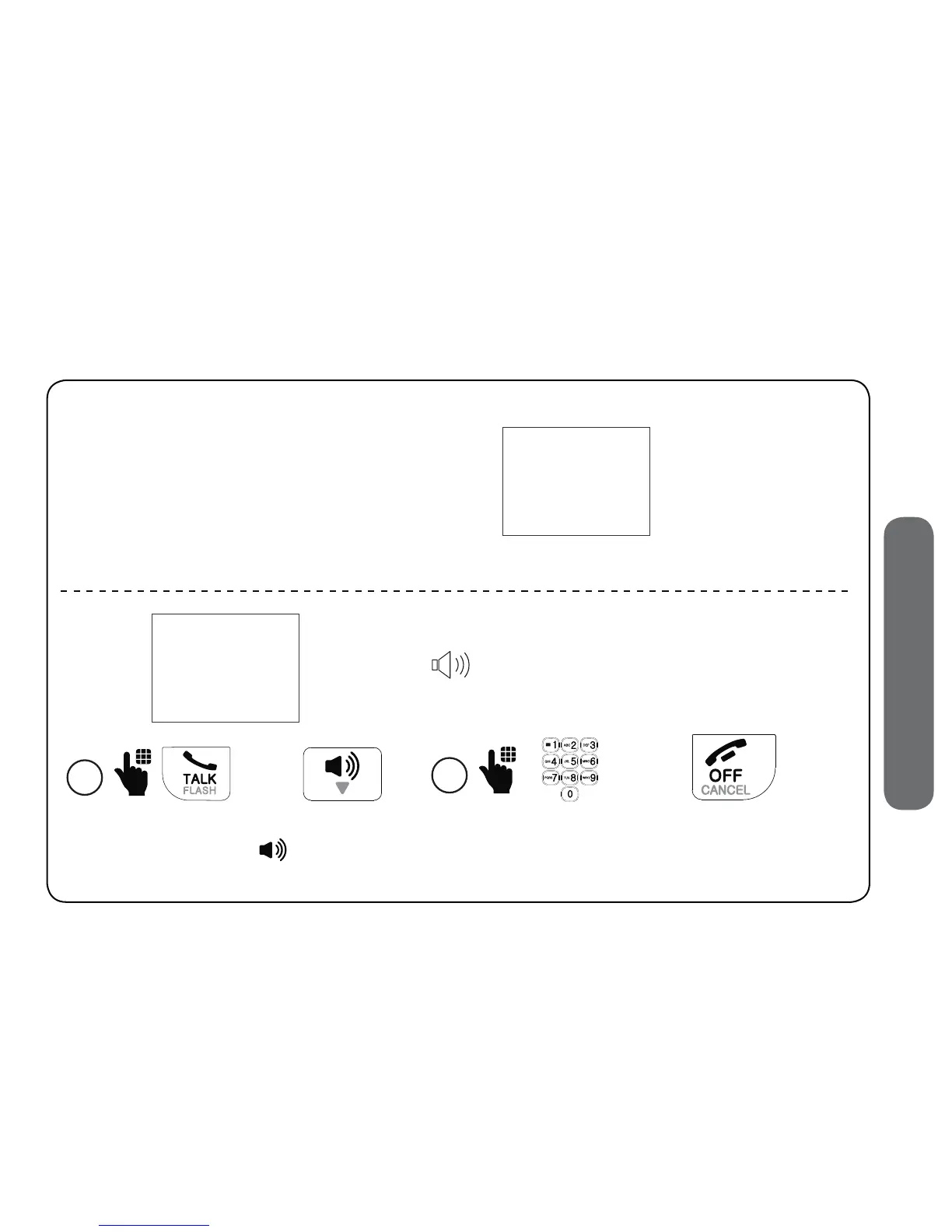
The telephone is
playing the screening
announcement to the
caller.
Screened call
PRIVATE CALLER
10:15PM 12/25
After screening, the telephone
rings. Press TALK or
to pick up
the call.
1
25
After you pick up the call, the telephone announces:
“To answer the call, press 1. To send this call to
the answering system, press 4. To repeat these
options, press
*
”.
2
25
• Press 1 to answer the call;
• Press 4 to send it to the answering system; or
• Press OFF to hang up.


 To Next Page