For SD Memory Card Readers (optional):
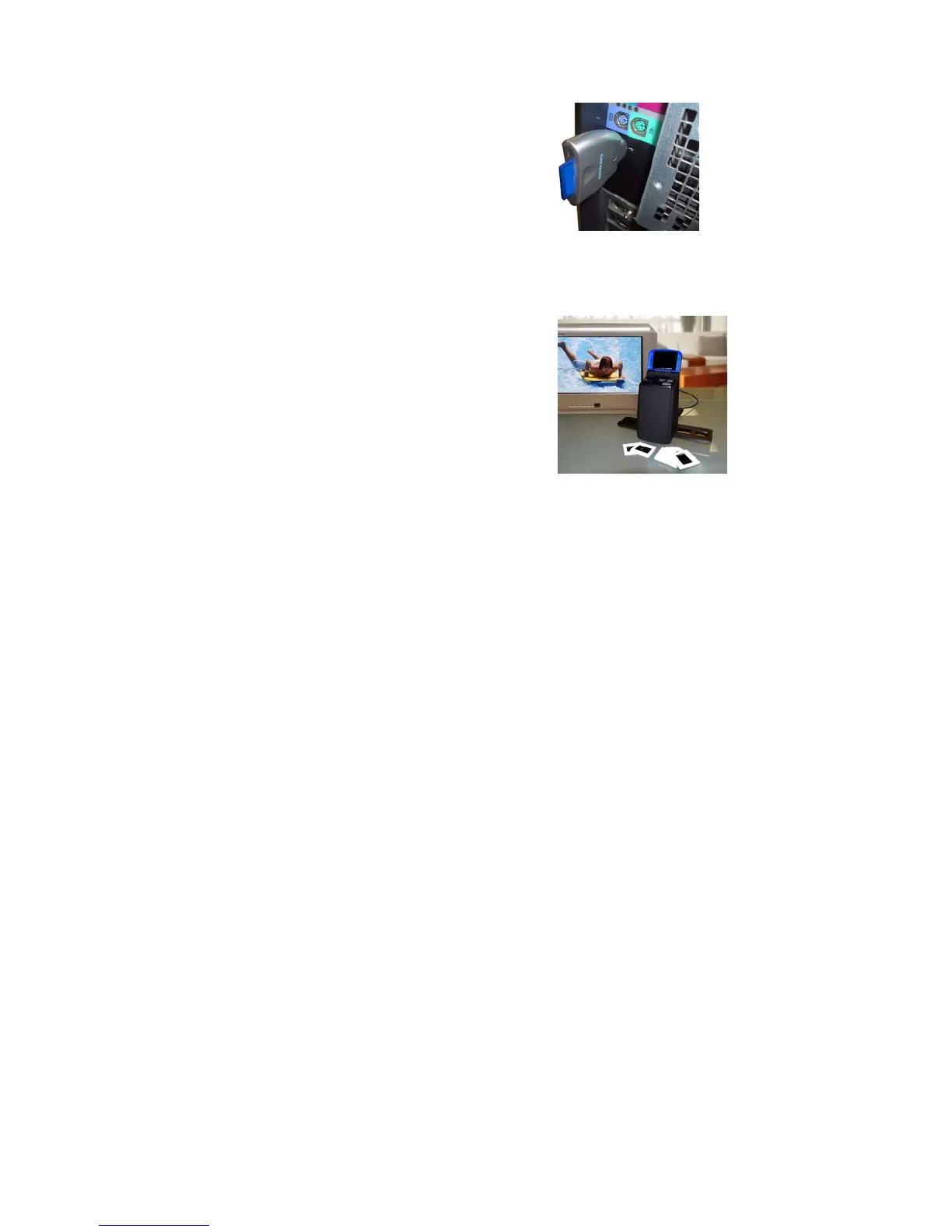
If you have a SD memory card reader for your computer, you can put images on to your computer
without the driver. Just plug the SD memory card reader to your computers USB port and then
insert the SD card in to the SD card slot on the card reader.
Then you should be able to get the data
off of the SD card like you normally do
when using your SD memory card reader.
Viewing Pictures on the Television (optional):
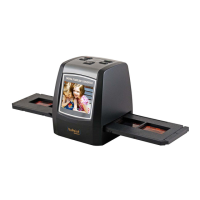
If you would like to view converted images on your television you must use the video cable
included. Plug the black end of the cable in to your converter
and the yellow end of the cable to the television video input.
Make sure that the converter is plugged in to the power source.
Turn on the television, change the input on the television and
turn on the converter. You should see what would normally be
displayed on your converter screen displayed on your television
screen instead.


 To Next Page