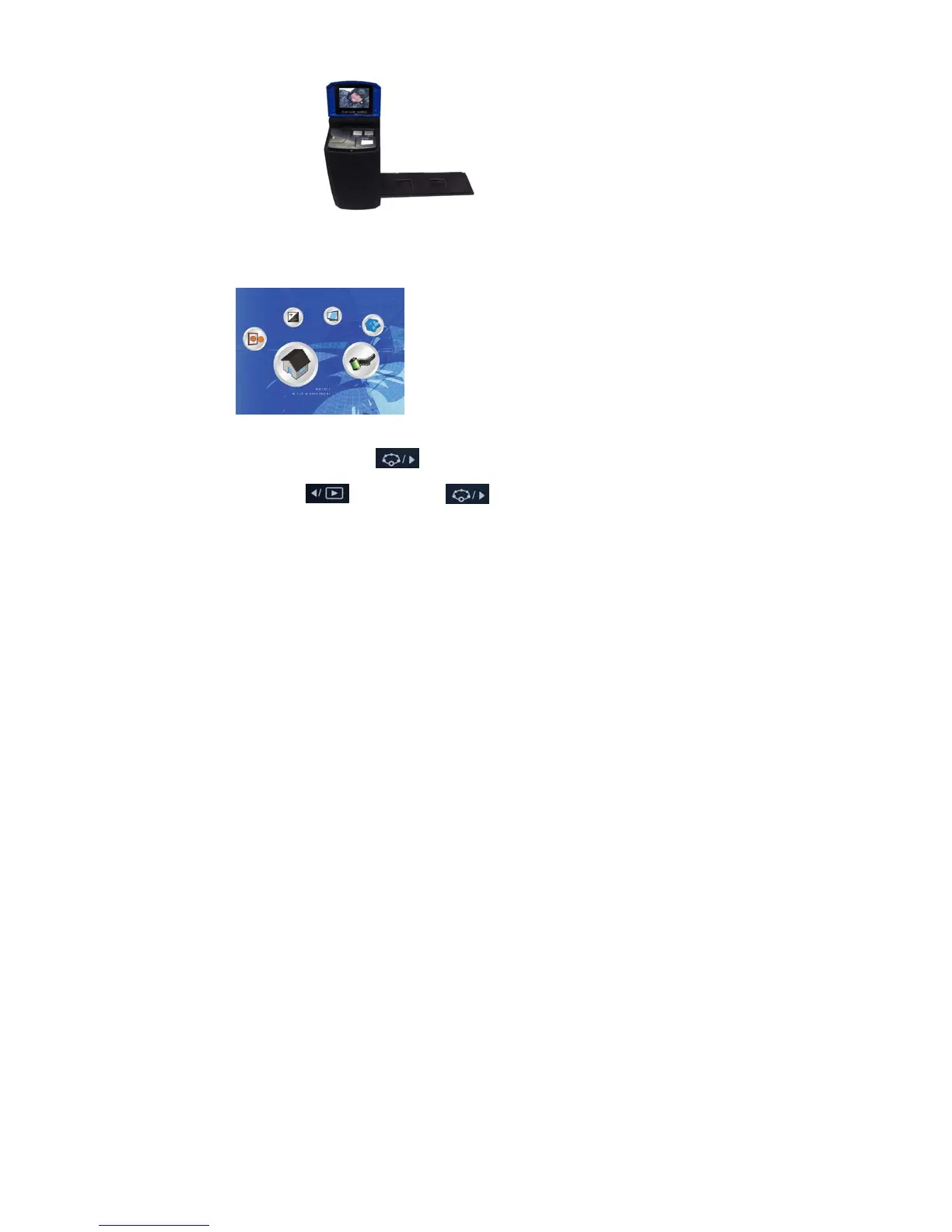
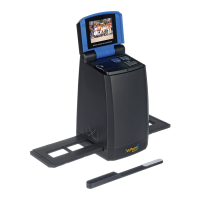
Plug the adapter in to a power source. Open the cover. The converter will turn on and the power
LED light will glow red. Insert the slide or negative tray into the scanner and move the tray carefully
to adjust the film. You will be able to see the picture on the LCD monitor. Press the Start button to
capture a picture.
Powering On/Off:
• Power On: Open the cover. The converter will turn on and the power LED light will glow red.
• Power Off: Close the upper cover until cover clicks.
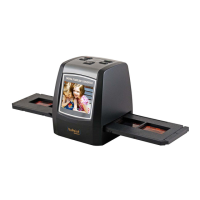
Select Function
• Press the Function button to enter the function menu.
Press the Left or Right buttons to select the function you wish to use.


 To Next Page