VXi V200 User Guide
PAGE 10
CONNECT TO YOUR PHONE AND COMPUTER
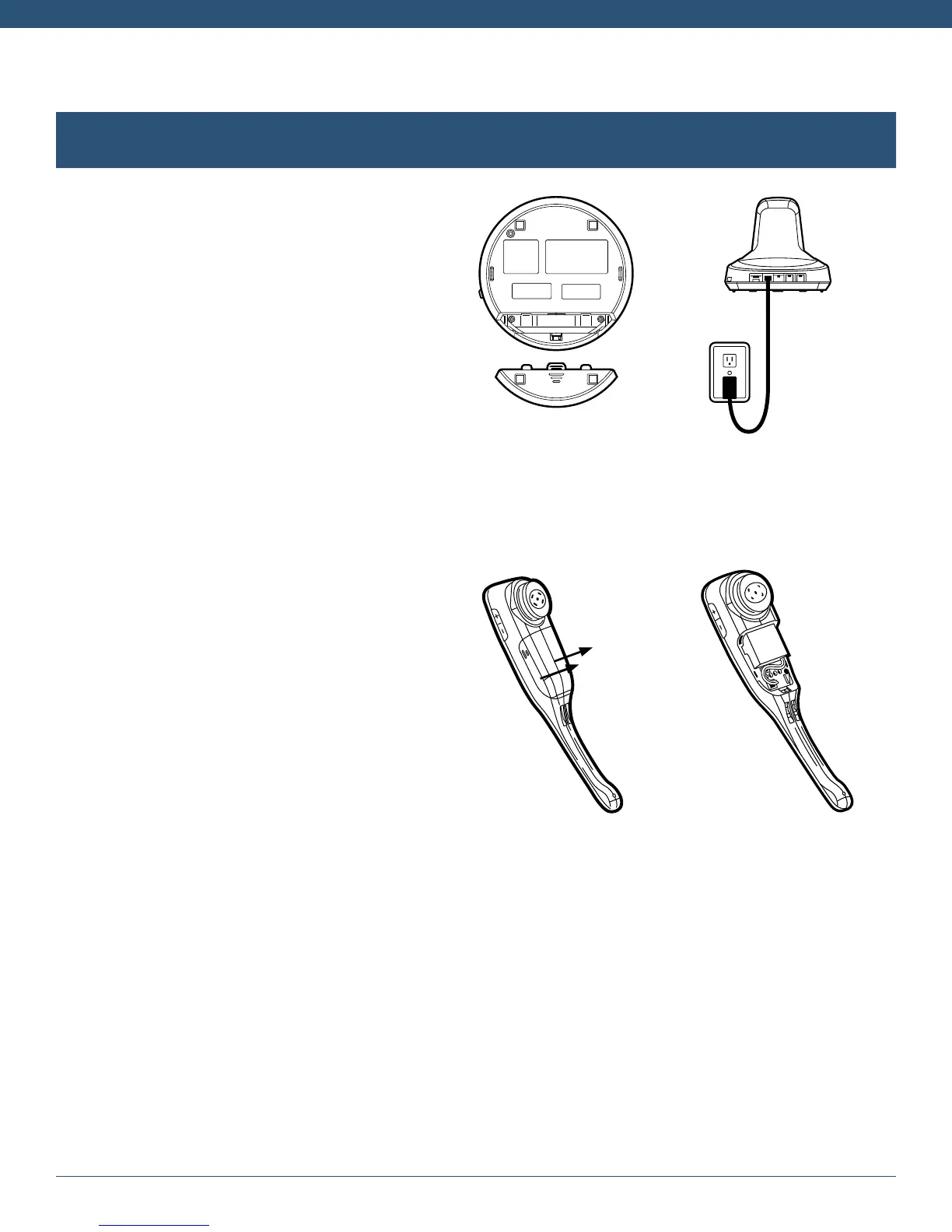
Connect Power to Base
A. Remove the panel from the bottom
of the base.
B. Connect the power adapter cable
into the base power port (green dot)
and plug the power adapter into an
electrical socket.
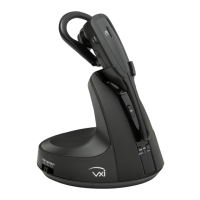
Install Battery and Charge Headset
A. Remove the battery cover from the
headset.
B. Insert the battery into position with the
label “THIS SIDE UP” facing up.
C. Connect the battery lead to the headset.
D. Replace the battery cover and place the
headset in the charging cradle. The LED
on the headset will be red when charging
and will change to blue when the headset
is fully charged.


 To Next Page