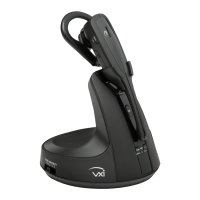
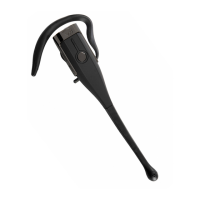
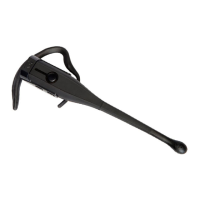
VXi V200 User Guide
PAGE 14
MAKING CALLS WITH AN OFFICE PHONE
Place a Call
• While wearing the headset, press the headset call control button.
• Open an active line on your desk phone. If you are using an EHS or the L50 Lifter, this step will be
automatic.
• Dial the number on your desk phone.
• To end the call, either press the headset call control button, or replace the headset in the base-charging
cradle. If needed, hang up on your desk phone (automatic with EHS or L50).
Answer a Call
• Put the headset on and press the headset call control button.
• Answer the call with your desk phone controls (automatic with EHS or L50).
End a Call
• To end a call, either press the headset call control button, or replace the headset in the base-charging
cradle. If needed, hang up on your desk phone (automatic with EHS or L50).
Mute a Call
• During a call, you can mute the headset by pressing the mute button.
• The mute indicator on the base will light and you will hear a short beep in the headset every 15
seconds until mute is deactivated.
• To unmute, press the mute button on the headset again.
Reject a Call
• To reject an incoming call, use the call reject function on your desk phone (if supported).
Answer a Second Incoming Call
• Your desk phone may have call management features that are better suited for specific second-call-
management needs.
• If you are using an EHS or L50, and if your desk phone supports it, answer a second call by pressing
the call control button on the headset once (to end the first call) and again (to answer the second call).
Note: Unless you have an EHS or the L50 Lifter attached, the call on the desk phone will also need to be
ended using your desk phone’s call-management features.


 To Next Page