VXi V200 User Guide
PAGE 16
MAKING CALLS WITH A COMPUTER
Make, Answer or End a Call in PC Mode
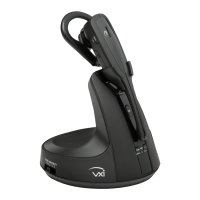
• Press the PC button on the base. The PC indicator LED will be lit red.
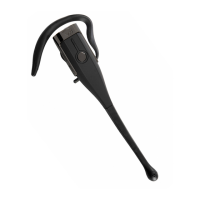
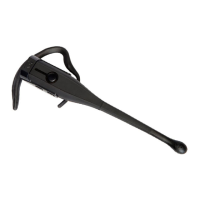
• Press the call control button on the headset to open a channel to your computer.
• Make the call using your communications software as usual. You will need to use the software controls
to answer and end calls.
• When you are finished, press the call control button on the headset or place it back on the base-charging
cradle to close the USB channel.
Switch Between Phone and PC Mode
Place your current call on hold
• While in PC mode, press the phone button on the headset base to place your PC call on hold.
• While in phone mode, press the PC button on the headset base to place your phone call on hold.
Conference Phone and PC Calls Together
Conference a PC call into a phone call
• Press and hold the PC button on the base until both the PC and phone buttons flash together.
End a PC and phone conference call
• To end both calls, press the headset call control button.
Placing one side of a conference call on hold
• Phone call on hold
– To put the phone call on hold and speak to the person on the PC call, press the PC button on the base.
To resume, press and hold the phone button until both the PC and phone buttons flash together.
• PC call on hold
– To put the PC call on hold and speak to the person on the phone call, press the phone button on the base.
To resume, press and hold the PC button until both the PC and phone buttons flash together.


 To Next Page