16
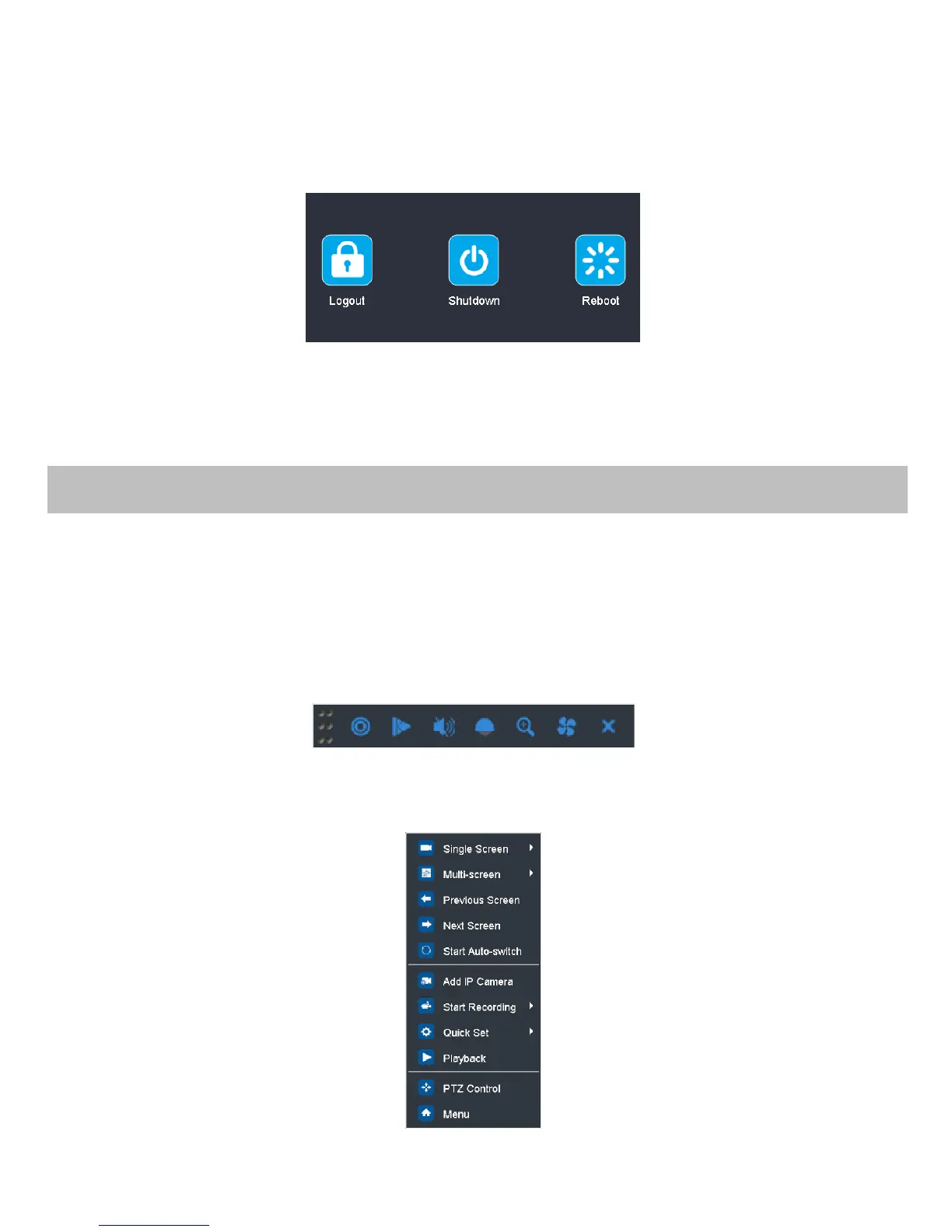
User Logout
After logging out, the monitor turns to the live view mode and if you want to do some operation, you need to enter user
name and password to log in again.
Steps:
1. Enter the Shutdown menu.
Menu>Shutdown
2. Click Logout.
Note:
After you have logged out the system, menu operation on the screen is invalid. It is required a user name and password to
login the system.
Before you start:
Make sure that the HDD has already been installed. If not, please install a HDD and initialize it. You may refer to the user
manual for detailed information.
Note:
After rebooting all the manual records enabled are canceled.
Instant Recording
On the live view window of each channel, there is a quick setting toolbar which shows on the bottom of the window when
you click on it.
All-day Recording
Perform the following steps to set the all-day recording.
On the live view window, right lick the window and move the cursor to the Start Recording option, and select Continuous
Record or Motion Detection Record on your demand.
Note:
The IP camera connection is not supported by 0E-xxMD series DVR.



 To Next Page