18
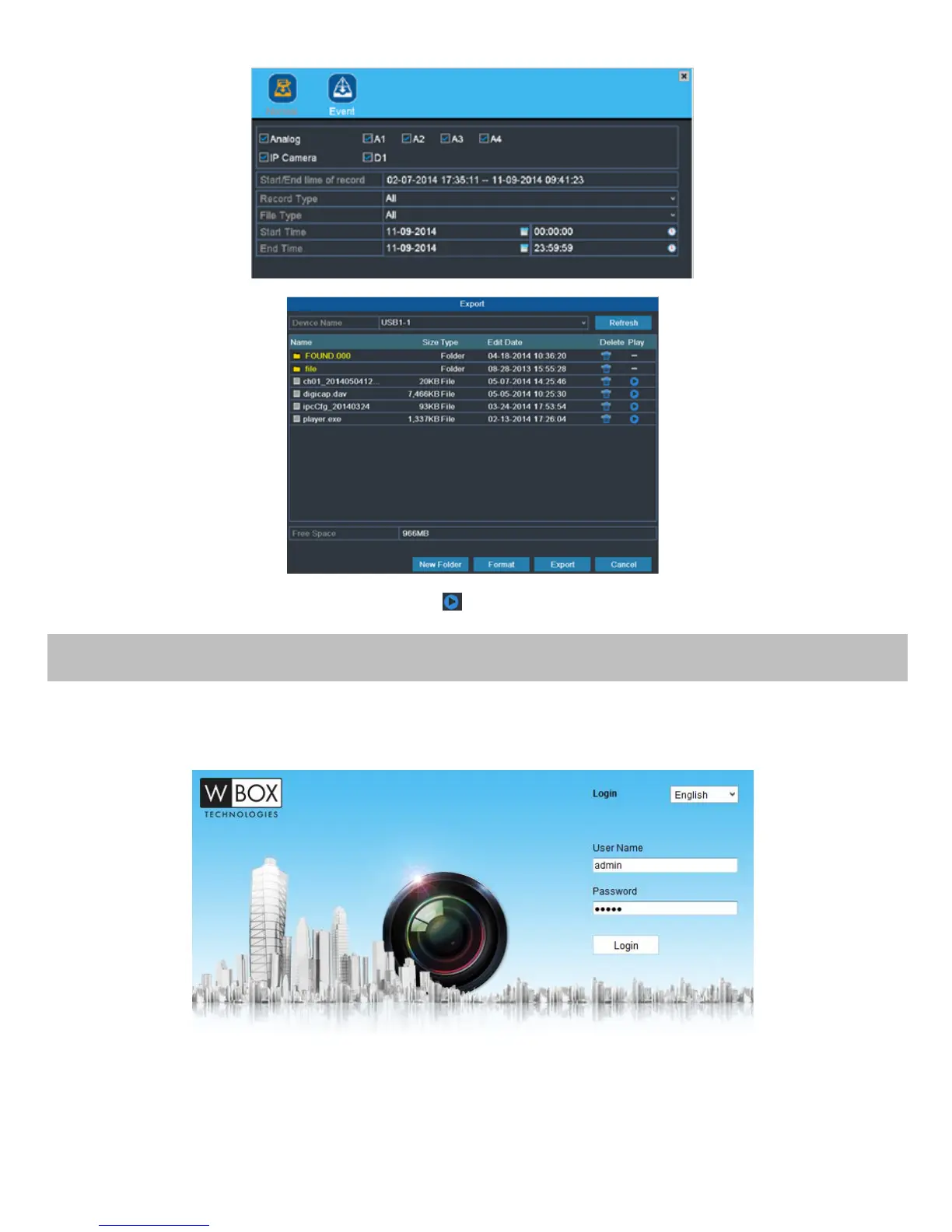
2. Enter Export interface, choose backup device and click the Export button to start exporting.
3. Check backup result.
Choose the record file in Export interface and click button to check it.
Accessing via Web Browser
Logging In
You can get access to the device via web browser. Open web browser, input the IP address of the device and then press
Enter. The login interface appears.
Input the user name and password, and click the Login button.
NOTES:
You may use one of the following listed web browsers: Internet Explorer 6.0, Internet Explorer 7.0, Internet Explorer 8.0,
Internet Explorer 9.0, Internet Explorer 10.0, Apple Safari, Mozilla Firefox, and Google Chrome.
The supported resolutions include 1024*768 and above.



 To Next Page