WAGO-ETHERNET-Zubehör 852 Appendix 261
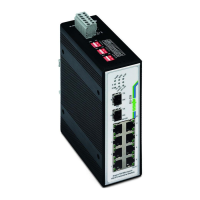
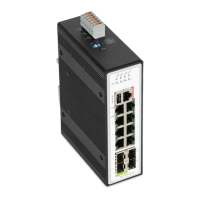
852-1305 8/4-Port 100BASE-T/1000BASE-SX/LX
Manual
1.1.0
10.3.2 Default Settings
10.3.2.1 System
Table 115: CLI “System” Configuration
This command reboots the system.
This command sets the system's network name.
This command enters the eth0 interface node to
configure the system IP.
This command configures a static IP and subnet
mask for the system.
ip address default-gateway
A.B.C.D
This command configures the system default
gateway.
(disable|enable|renew)
This command configures a DHCP client function
for the system.
Disable: Use a static IP address for the switch.
Enable & Renew: Use the DHCP client to get an IP
address from the DHCP server.
This command configures the management VLAN.
10.3.2.2 Jumbo Frame
Table 116: CLI “Jumbo Frame” Configuration
This command displays the current jumbo frame
settings.
(10240|1522|1536|1552|92
This command configures the maximum number of
bytes of frame size.


 To Next Page