8
www.WalkinPets.com
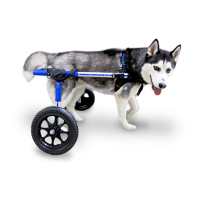
Attaching the Struts and Wheels
You received your wheelchair with the correct size
strut and wheel combination according to your
pet’s rear leg measurement and weight. Insert
the strut into the wheelchair leg and adjust
to the height needed. The wheels go on the
outside. If you think you need a different size
wheel and strut, please contact us.
Adjusting the Height
The correct height setting is based on the height and condition of
your pet. If your pet has some use of their back legs, use the snap
buttons to adjust the height so all four toe pads of each rear paw are
just touching the ground. If the back legs are very weak or paralyzed
and scraping or knuckling under, put the legs in the stirrups (to hold
them off the ground) or protect them with Walkin’® Pet Boots (see
p.21).
As shipped, your wheelchair will fit most small pets. However, there
is an additional adjustment that can be made to further increase the
height. The legs can be in the HIGH or LOW setting (see photos on
pp. 3 & 5). Wheelchairs are typically shipped with the wheels in the
LOW setting.
Adjusting the Width
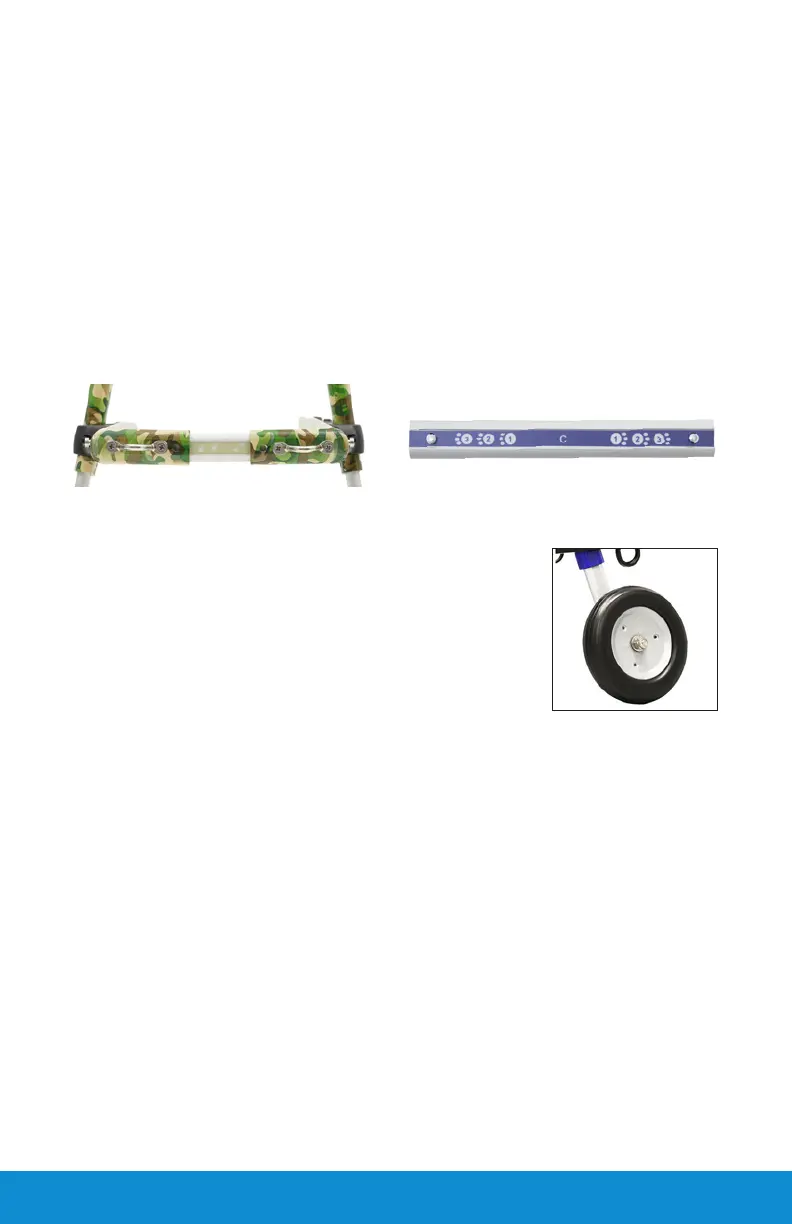
Use the snap buttons on the width connector to adjust the wheelchair
to the proper width. The width adjustment will be determined by
the widest part of your pet which is usually the chest. The wheelchair
should be ½” - 1” off the widest part of your pet’s body. The width
connector that comes installed with the frame is 4" long and will
extend to 6.5”. A 7" width connector is also included for pets that
need more width (7”-9”).
If you need a replacement, call us at (888) 253-0777. To order the 7
or 10" connector, or order from our spare part listing:
www.WalkinPets.com/connectors


 To Next Page