8
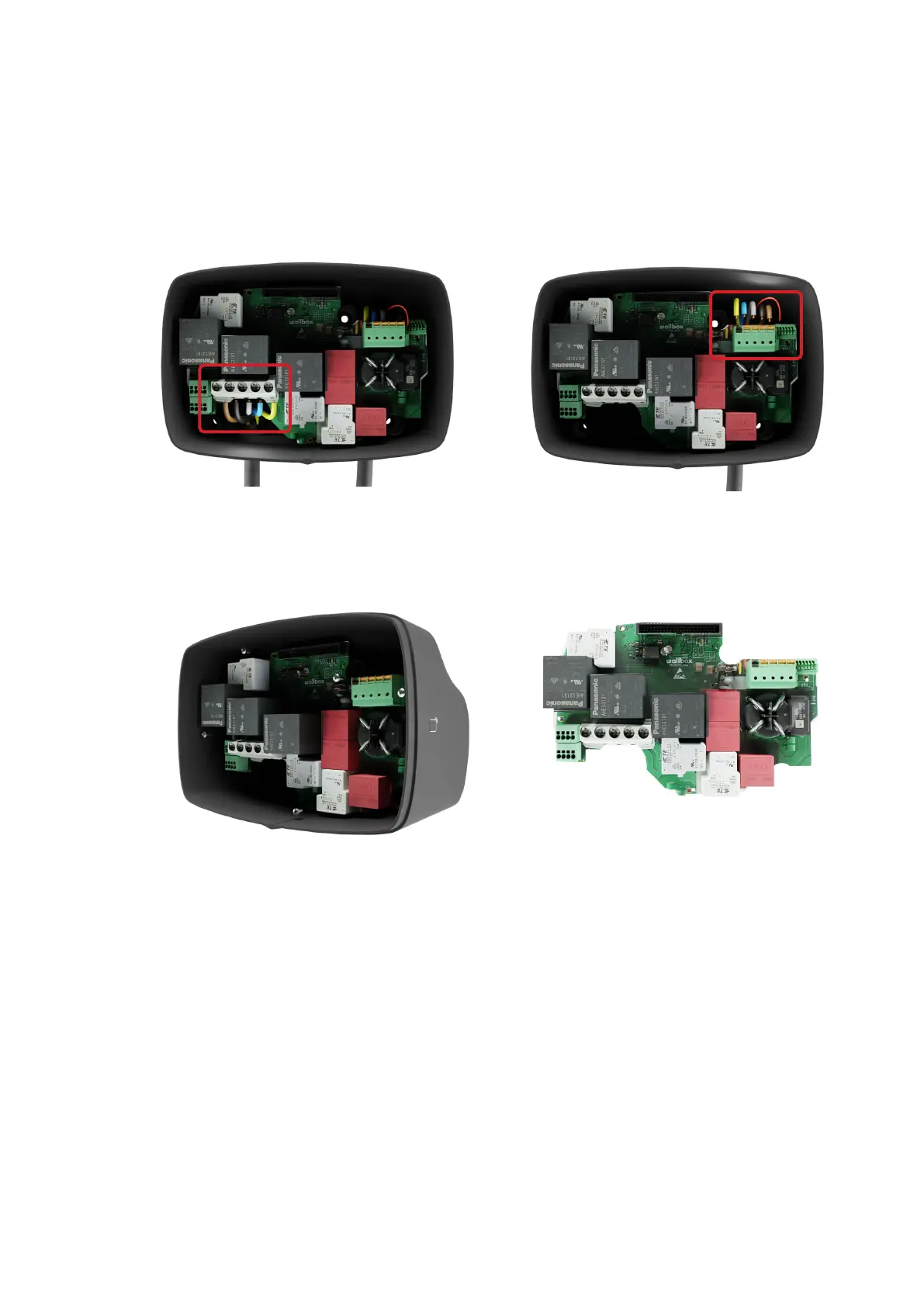
Gently push the levers on the power
and control pilot connectors with your
screwdriver to disconnect the conductors of
the charging cable.
Keep the old Power board aside for return or
disposal.
Disconnect the input power cables by using a
star screwdriver
Unscrew the 4 screws that hold the Power
board to the body and save them for later
use.
5.
7.
6.
8.



 To Next Page