PGT
®
120.COM Art.Nr. 7100.PGT120.COM
7 / 17 2016-09-07
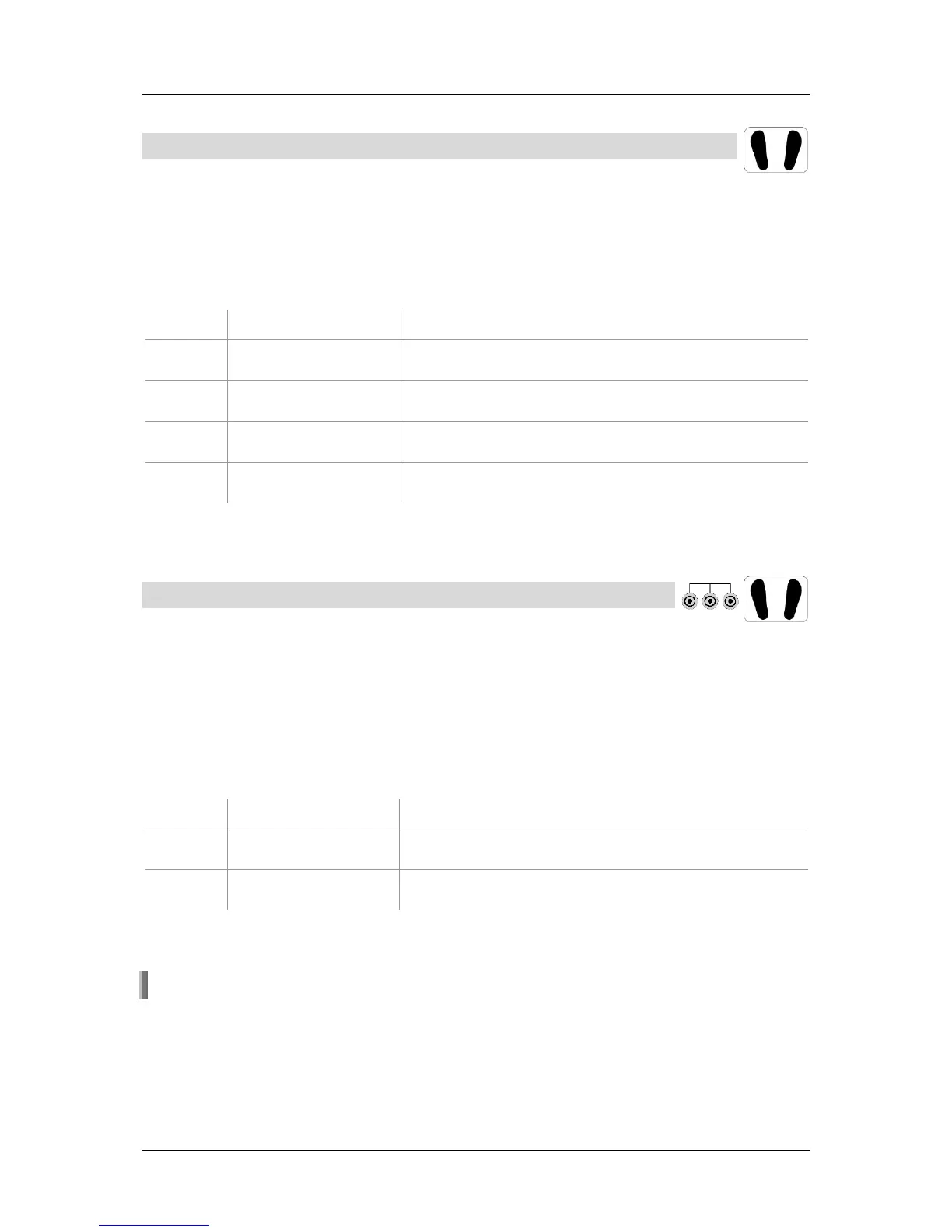
4.3 Footwear test (single shoe)
Only footwear or OR is activated (DIP switch 1+2; RS232)
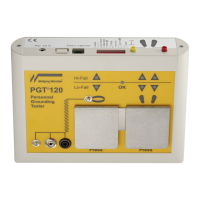
Stand on the foot electrode, then press the right electrode and keep it pressed. A
peep signal indicates the start of measurement. After a short measuring time the
result is displayed.
The measured values of both shoes are o.k.
Red LED flashes,
audible signal
Right shoe above the resistance upper limit
Red LED flashes,
audible signal
Left shoe above the resistance upper limit
Red LED flashes,
audible signal
Right shoe below the resistance lower limit
(not applicable if lower limit is disabled)
Red LED flashes,
audible signal
Left shoe below the resistance lower limit
(not applicable if lower limit is disabled)
Release the electrode.
4.4 Wrist strap and footwear test
AND function is activated (DIP switch1+2; RS232)
Put on the wrist strap and connect it via a coil cord to the snap or socket on the left
side of the unit.
Stand on the foot electrode, then press one electrode and keep it pressed. A peep
signal indicates the start of measurement. After a short measuring time the result is
displayed.
All measured values are o.k.
Red LED flashes,
audible signal
Above the resistance upper limit
Red LED flashes,
audible signal
Below the resistance lower limit
(not applicable if lower limit is disabled)
Release the electrode.
The OK signal only appears when all measured values are within the limits.


 To Next Page