Wireless Signal
Strength
Battery Indicator
Icon
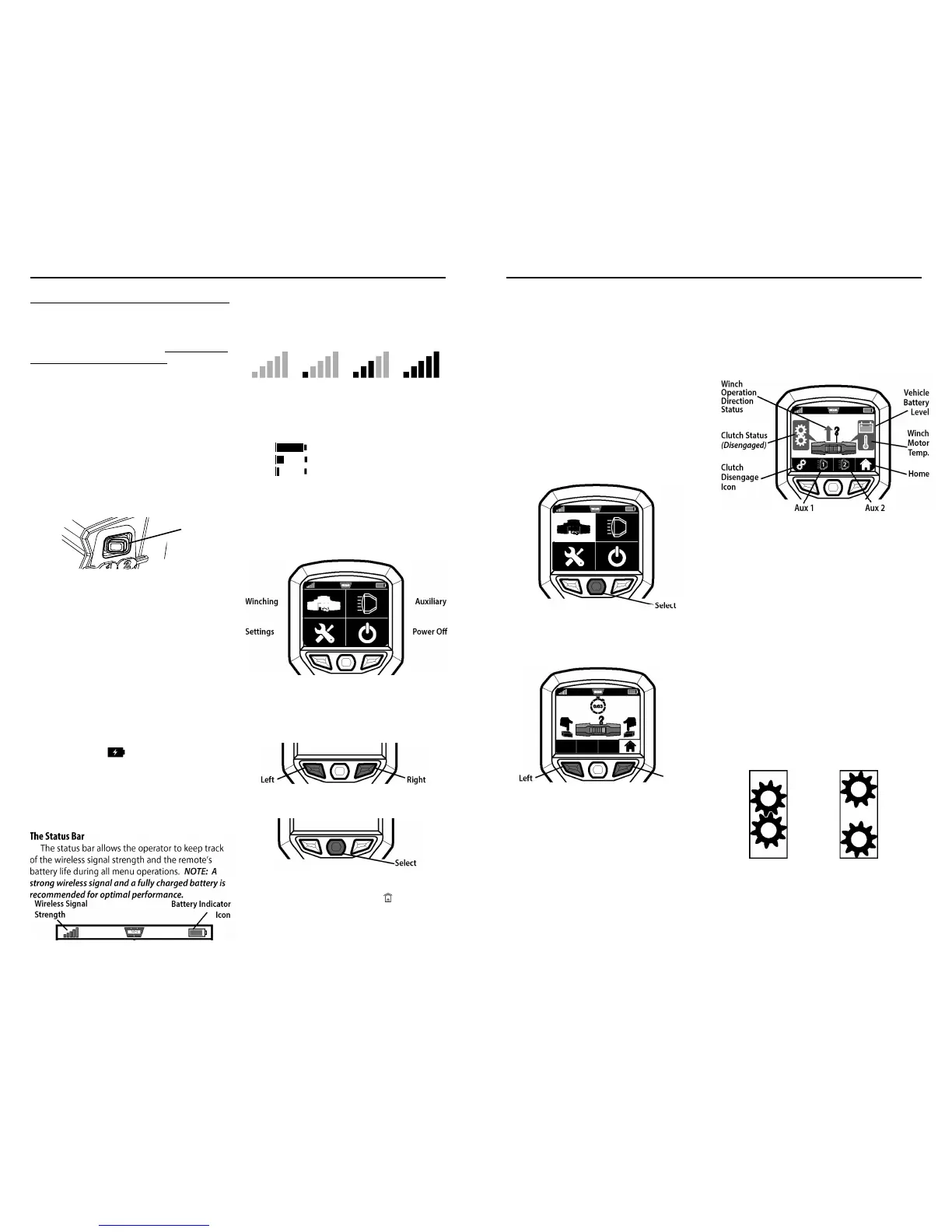
Winching Auxiliary
Settings Power Off
Left Right
Select
Fully charged battery (green)
Low charged battery (yellow)
Critically low battery (red)
No Signal Weak Signal Fair Signal Strong Signal
X
WARN INDUSTRIES
15
FIRST TIME OPERATING INSTRUCTIONS
The bars on the wireless signal strength icon will
light up in sequence to show signal strength.
The remote control’s battery indicator icon
indicates the state of the internal battery by
changing color and fill level of battery icon.
NOTE: If your battery icon shows at a critically low level,
you must charge the battery or plug into power source.
Home Menu
Turn on the remote by pressing any button. This
will automatically bring up the Home Menu.
From the Home Menu, you can access each of
the four operations.
Four Operations:
1) Winching 2) Auxiliary
3) System Settings 4) Power Off
1. Use the left and right buttons on your remote
to navigate through the operation menus.
2.
To activate an operation, press select.
NOTE: To return to the Home Menu from other
menus, navigate to the Home Icon (
) in the menu
bar and press Select.
In this section, we’ll show you the first time operating
instructions for effective basic winch ing. For complete
winch operation and techniques read the Basic Guide to
Winching Techniques found online at http://www.warn.
com/corporate/literaturerequest.shtml.
Getting Started
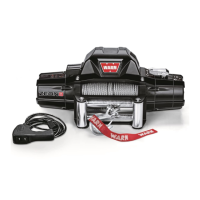
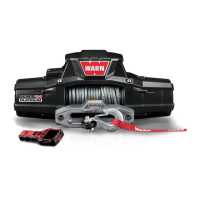
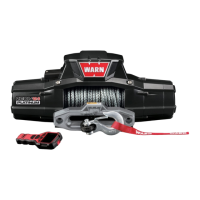
Your ZEON® Platinum Winch is operated by the
new Advanced Wireless Remote Control.
The Advanced Wireless Remote Control is
designed to allow the operator to control the winch
and two auxiliaries remotely.
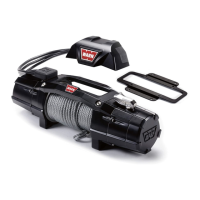
1. Verify the wireless control switch (located on
back of control pack) is “ON” (a green flashing
light appears inside switch). The switch
must
be ‘ON’ (activated) in order for the Advanced
Wireless Remote Control to operate the winch.
Charging the Battery
Your WARN® Advanced Wireless Remote Control
is powered by an internal rechargeable lithium ion
battery. Although the battery will arrive partially
charged, you must fully charge the battery or plug
into a power source before use.
1. Connect the included USB charger to the
Advanced Wireless Remote Control.
2. Plug other end of the USB charger into a power
source (such as the included auto charger, a
wall charger or a computer USB port).
NOTE:
Remote is operable while charging.
3. The remote control will power on and the
charging icon (
) will appear inside the
battery indicator in the upper right corner of
the menu, indicating the remote is charging.
4. The remote is fully charged when the battery
indicator icon is filled.
NOTE: Allow a minimum
of two hours for battery to fully charge.
The Status Bar
The status bar allows the operator to keep track
of the wireless signal strength and the remote’s
battery life during all menu operations.
NOTE: A
strong wireless signal and a fully charged battery is
recommended for optimal performance.
Step 4 - First Time Operating Instructions
Wireless Control
Activation
Switch
Select
Left
Right
Winch
Operation
Direction
Status
Vehicle
Battery
Level
Home
Winch
Motor
Temp.
Aux 1 Aux 2
Clutch
Disengage
Icon
Clutch Status
(Disengaged)
WARN INDUSTRIES
16
FIRST TIME OPERATING INSTRUCTIONS
Winch Menu
Your winch is completely controlled by the
WARN® Advanced Wireless Remote Control.
You should practice activating the Winch Menu
a few times to get familiar with its functions before
you move on to the “Winching” section of this
manual.
Activate Winch Operation Menu
1. Read The Basic Guide to Winching Techniques
thoroughly before you attempt to operate your
winch.
2. From the Home Menu, navigate to the Winch
Icon using the Left and Right buttons and press
Select.
3. Following the Winch Activation Menu prompt,
press and hold the Left and Right buttons
simultaneously for 3 seconds to activate the
Winch Operation menu.
Note: The Winch Activation Menu will revert back to
the Home Menu if at idle for one minute.
The main purpose of the Winch Operation
Menu is to operate your winch. However, you are
also able to control your auxiliary systems, keep
track of your vehicle battery level, winch motor
temperature, winch operation direction, clutch
status, wireless signal strength and the remote
battery life.
NOTE: The Winch Operation Menu is accessible
from any menu by pressing and holding the left and
right buttons simultaneously for three seconds.
Remote Controlled Clutch Basics
The WARN® ZEON® Platinum winch is equipped
with a remote controlled clutch. It allows for
engagement and disengagement of the clutch with
the Advanced Wireless Remote Control.
When the clutch is engaged, power is transferred
from the winch motor to the drum and winch rope,
resulting in the power-in or power-out operation.
NOTE: Your WARN® ZEON® Platinum winch clutch
will always default to the engaged position.
When the clutch is disengaged the drum is in
the freespool position, allowing the drum to rotate
freely. Freespooling is generally the quickest and
easiest way to spool out winch rope.
Disengaged Clutch
(Freespool)
Engaged Clutch
(Winching)


 To Next Page
 Loading...