36
6204
4
6204
5
MAIN MENU
01.00.00.00
SERVICE
PARAMETER PROGR.
STATISTICS
CONFIG 1
CONFIG 2
ADJUST DISPLAY
*SERVICE*
01.01.00.00
ACTIVATE OUTPUTS
SHOW INPUTS
ARTICLE NUMBER
SHOW DLCU COM.
RESET DLCU
Service program
The service program is used to facilitate trou-
bleshooting the machine. Using this program
you can:
• controlthemachinefunctionsindividually
• checkthesensorsignalstotheCPU
• checkthecommunicationinthemachine
control system
• calibratetheweighingfunction
• weighandmeasureunbalance
• checkthedisplay
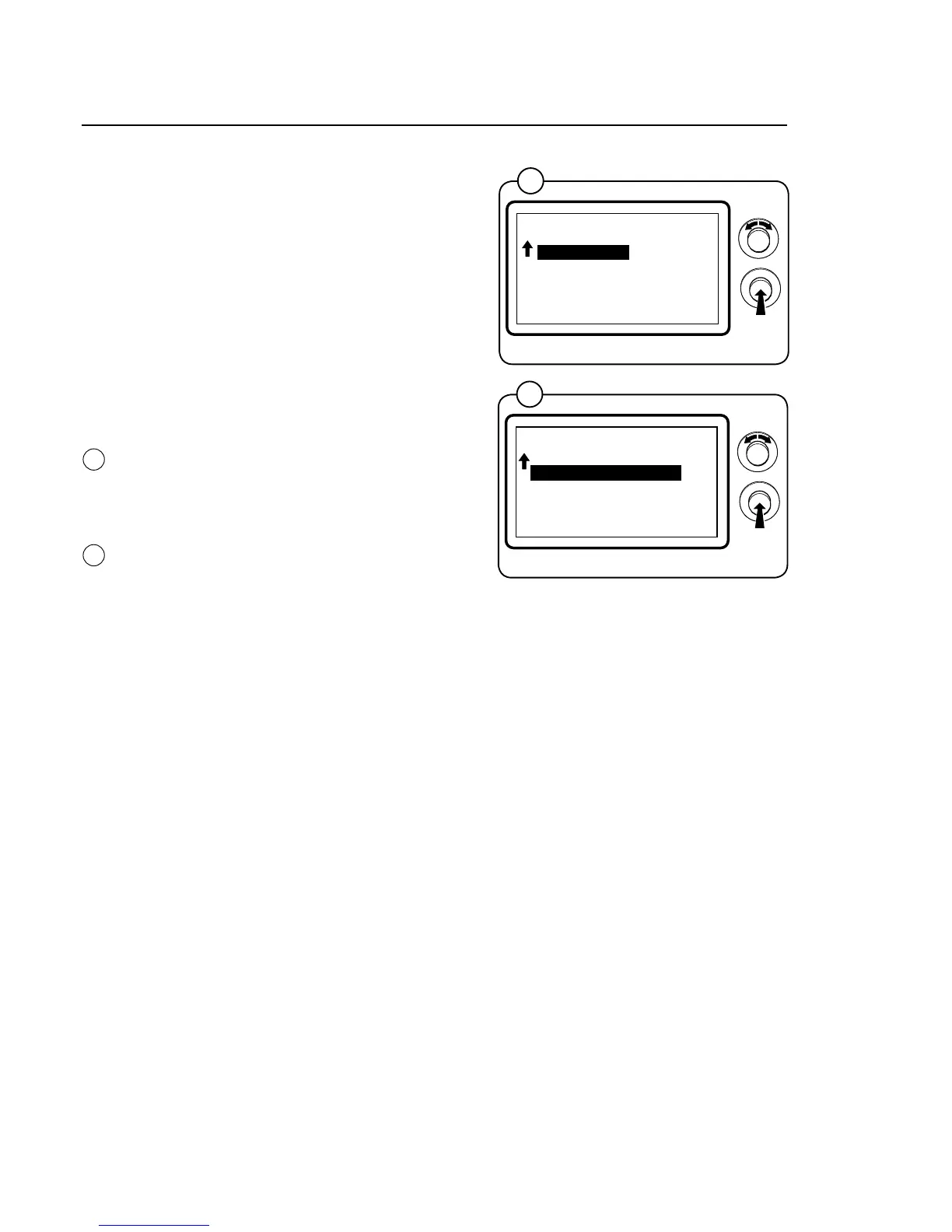
Engage service mode, mark the SERVICE row in
the main menu and press the knob.
The display will now show the different subme-
nus in the service program.
• ACTIVATEOUTPUTS
• SHOWINPUTS
• ARTICLENUMBER
• SHOWDLCUCOM.
• RESETDLCU
• SHOWMCUCOM.
• RESETMCU
• SHOWSINGLE
• SHOWCOM.PORTS
• WEIGHTCALIBRATION
• MEASUREWEIGHT
• MEASUREUNBALANCE
• DISPLAYTEST
Select the desired menu and press the knob.
4
5
Program unit







 To Next Page