48
2.12 KeyRemap
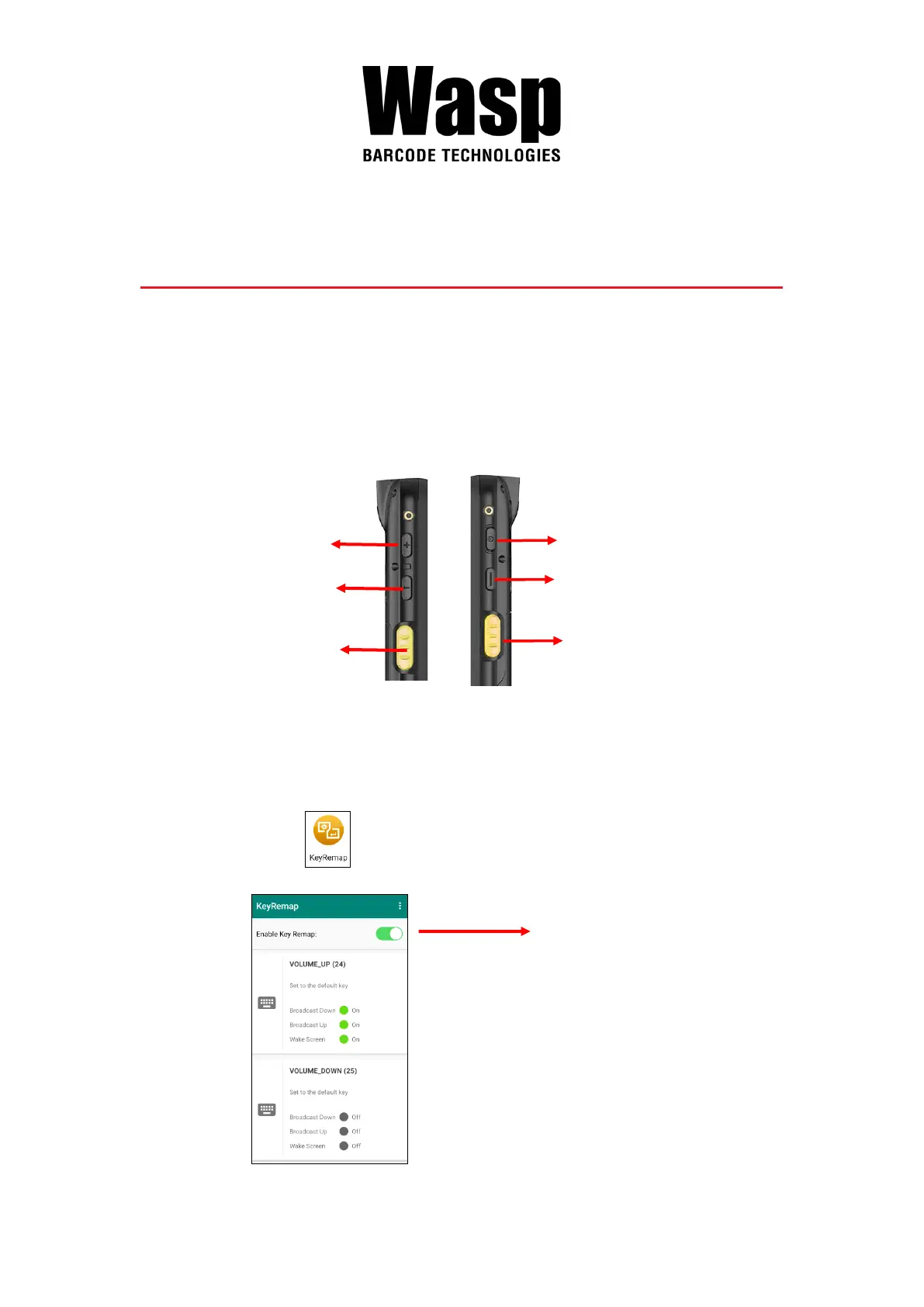
The DR6’s keys can be programmed for users to be able to perform different
functions or applications.
Four options to use key remap functions: Volume_Up, Volume_Down,
Programmable Key 1, Scanner Trigger Key Left and Scanner Trigger Key
Right.
2.12.1 Remap a key
On the main screen, scroll the screen from bottom to top to reach the APPS,
and tap KeyRemap . Select the keys to remap and enable key.
Scanner Trigger Key Left
Scanner Trigger Key Right
After remapping the key, remember to
enable the key remap.



 To Next Page