63
3.4 Software Update
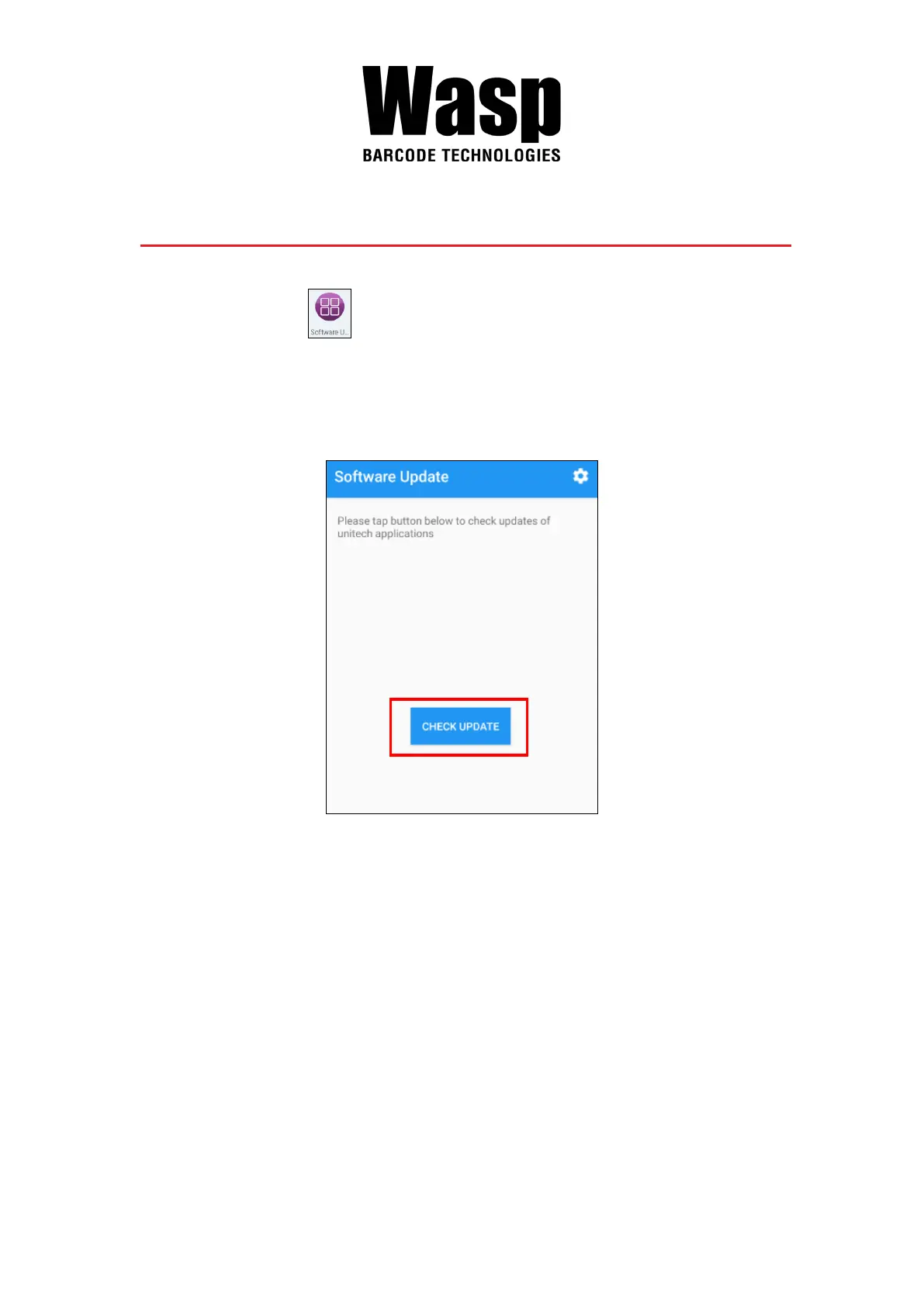
1. On the main screen, scroll the screen from bottom to top to reach the
APPS, and tap Software Update
.
2. To update or check the latest version of each application, please tap
CHECK UPDATE.
3. Select the Apps to be updated, and click Update.


 To Next Page