61
3.3 Logger
Introduction
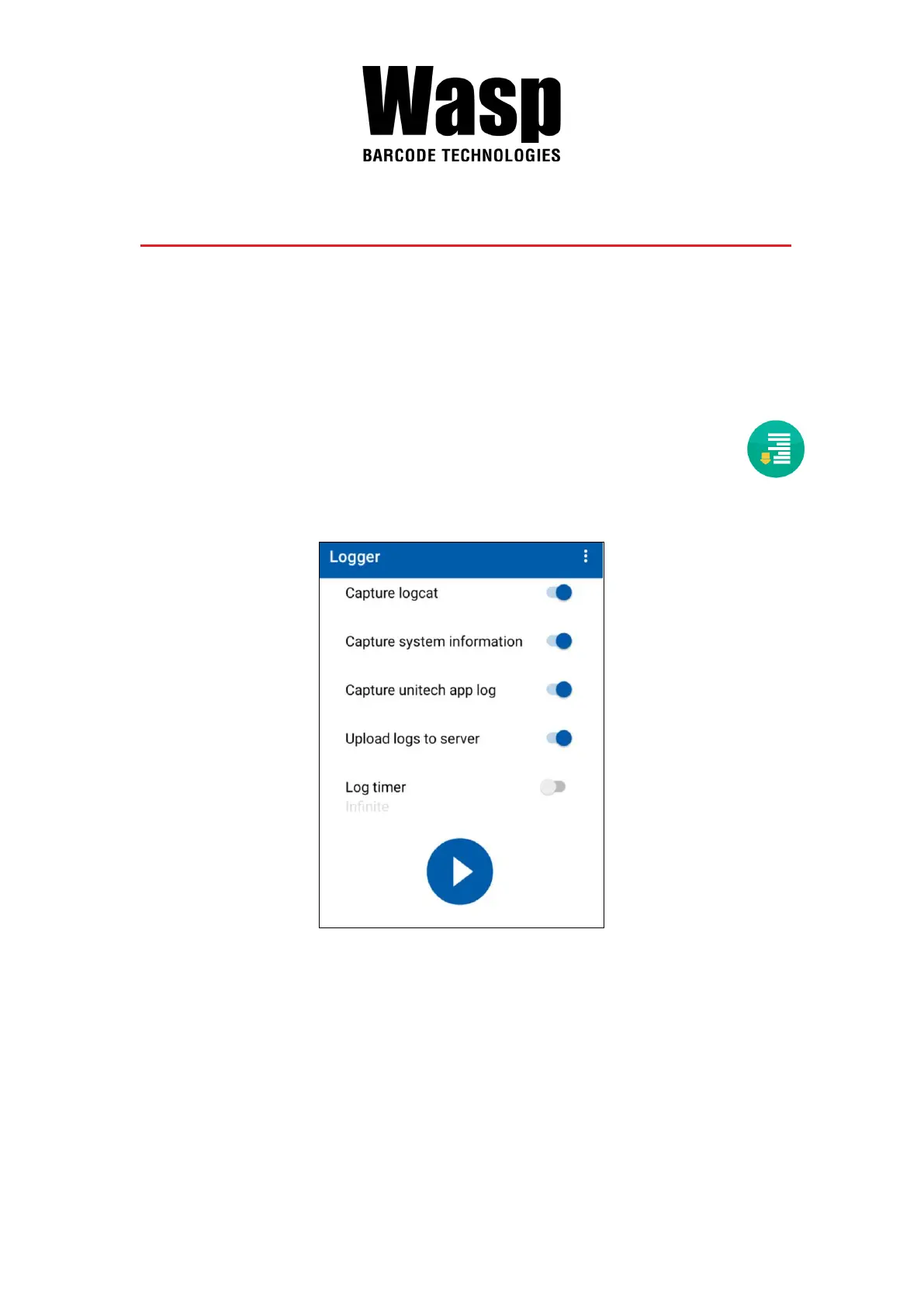
The Logger app offers an intuitive way to collect error logs from a device for
troubleshooting. No technical skills required. Simply use the Start-Stop buttons
to start recording vital system and app logs as one snapshot or as a time-
lapse, and then the logs can be automatically submitted to the Wasp support
team for analysis.
1. Scroll the screen from down to top to reach the APPS, and tap Logger .
You will see the page below.


 To Next Page