55
3.1 USS (Wasp scan service)
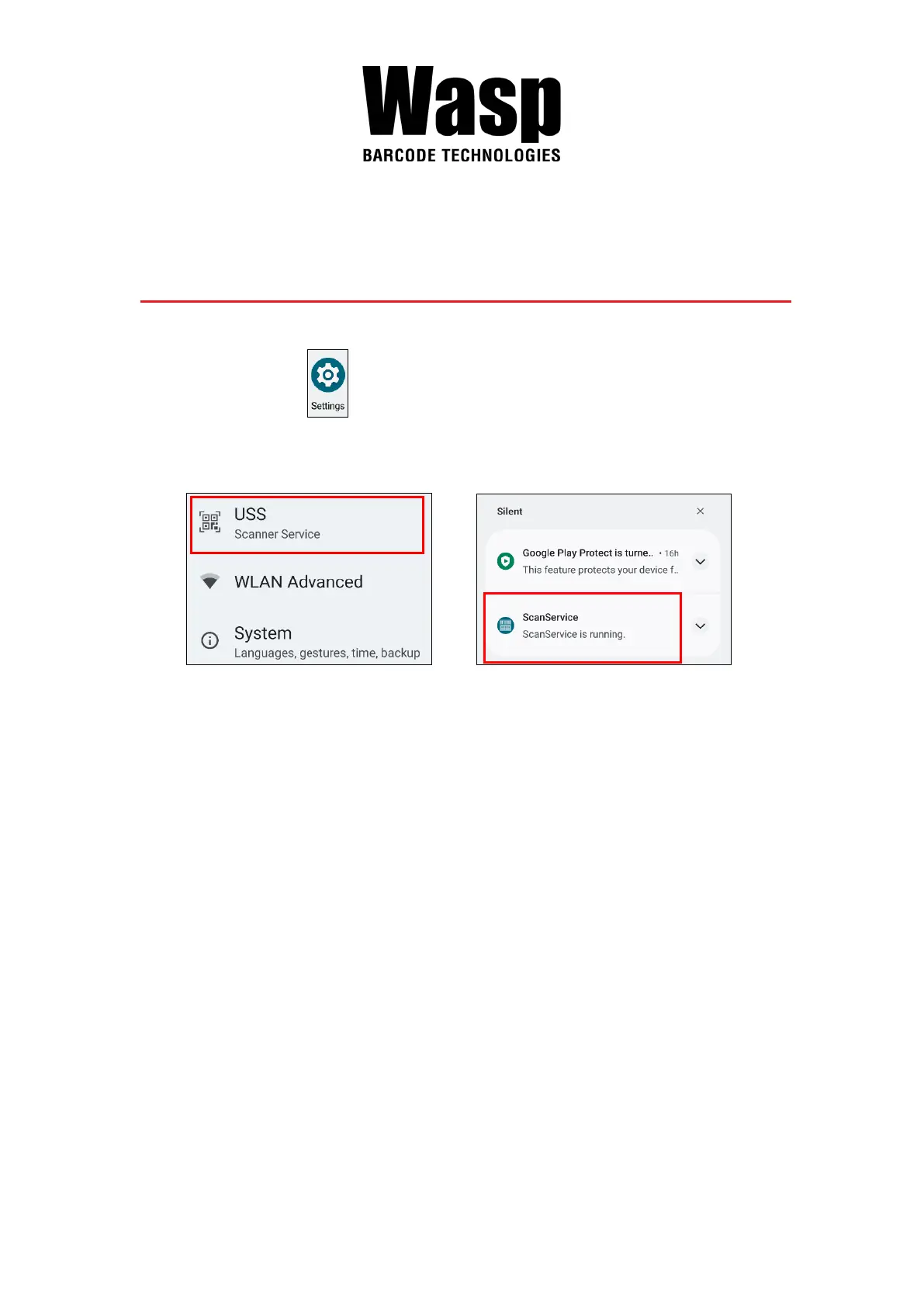
1. On the main screen, scroll the screen from bottom to top to reach the
APPS, and tap Settings and then tap USS ( Wasp scan service ).
Or from the notification bar to tap USS ( Wasp scan service ).
or
2. You now enter the Wasp scan service application.
Chapter 3 – Introduction to Applications


 To Next Page