64
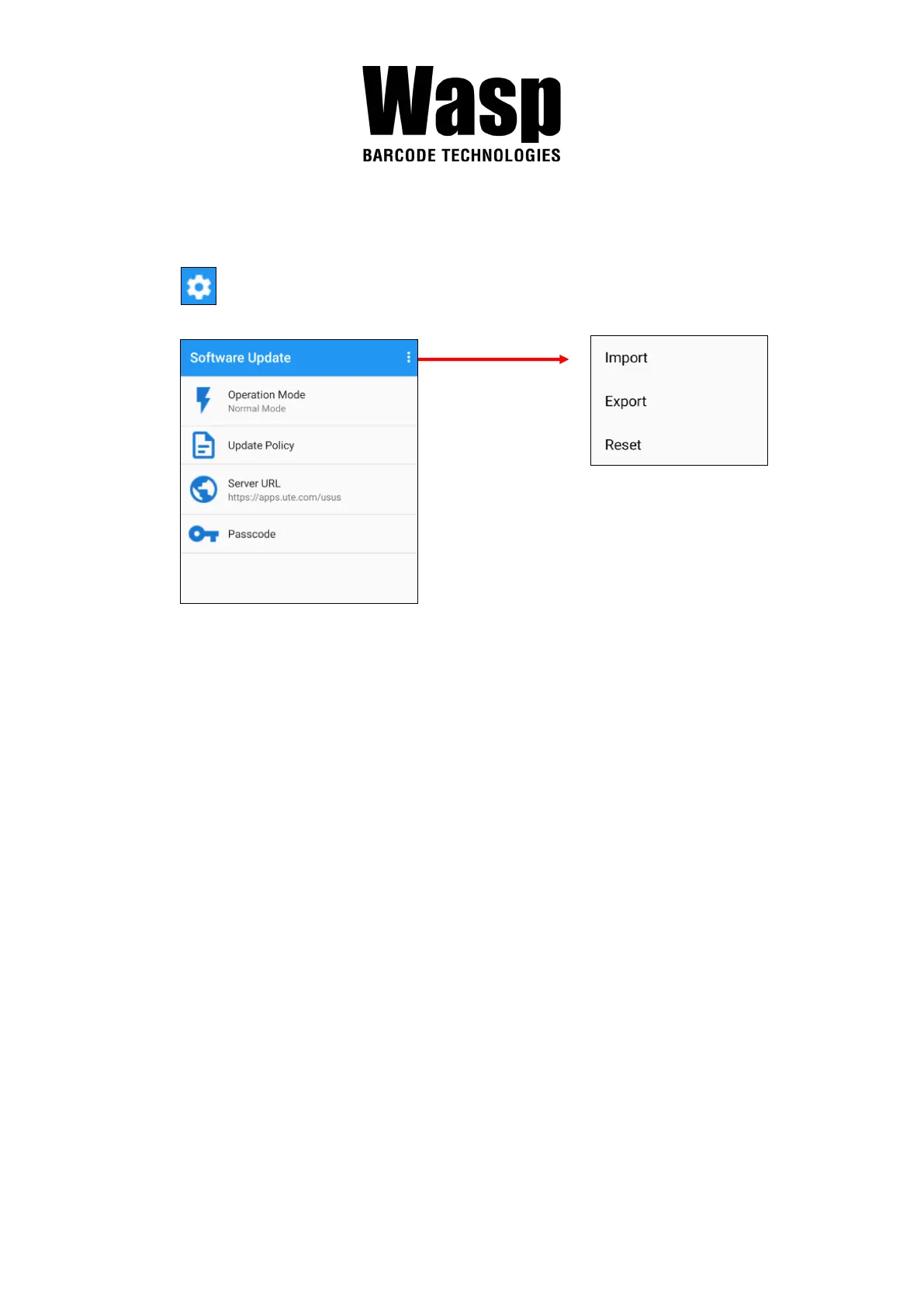
3.4.1 Software Update Settings
Tap for more settings on Software Update.
Operation Mode
Normal Mode → User can manually select apps to update
Auto Mode → Apps are automatically checked and updated each
time Software Update is run.
Silent Mode →Similar to Auto Mode, but the GUI is hidden when
updating (Software Update is run in the background).
Update Policy
App Updates → Configure whether all or only the selected apps are
updated, or turn off App Updates altogether.
New App → Configure whether new apps are being installed when
they become available for your device.
Passcode → Configure a password to access the Software Update
Settings menu.
Import / Export / Reset → Import or Export settings to a file, or Reset all
settings to factory default. You can find the exported settings file in the
Internal Storage: /Unitech/usus/usus_config.stxt



 To Next Page