Detection
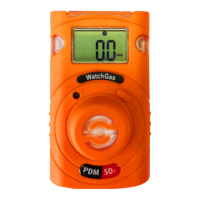
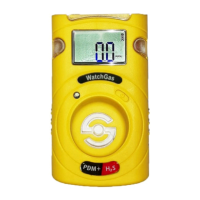
PDM+ Single Sustainable Gas Detector User Manual
8
D e t e c t i on
5. Calibration
Caution
Initial calibration is performed on all devices prior to shipment. Once received, calibration
should be regularly depending on frequency of use.
4. Event Log
Last 30 events are stored on the PDM+. Once 30 events are stored, the oldest log events get
overwritten. Stored log events can be transferred via WatchGas-IR Link.
Each alarm event is recorded as follows:
• Types of alarms
• Alarm concentration in ppm or %
• Peak concentration
• Alarm duration
5.1. FRESH AIR CALIBRATION
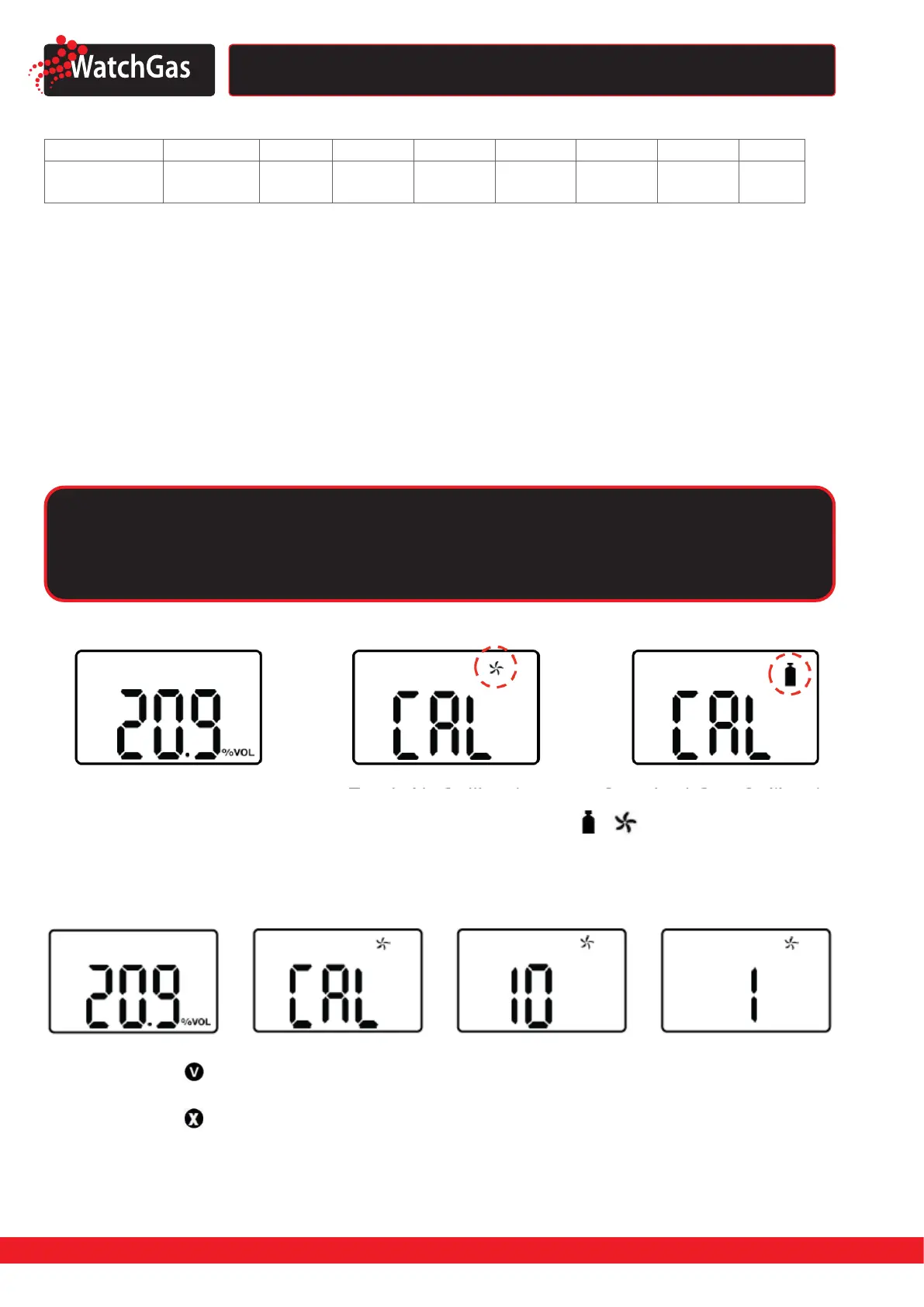
2. Press and hold the key for 5 seconds to enter the calibration mode ( ),
icon and ‘CAL’ mark will
appear on the LCD.
3. Press the key for three seconds to initiate calibration. When calibration begins, a countdown
(starting at 10) will appear on the screen.
Once completed, will appear on the LCD. The device will return to the calibration menu.
If calibration fails, will appear on the LCD. Check that the air is clean and that no contaminants are
blocking the sensor opening and try again. If fresh air calibration fails repeatedly, contact WatchGas.
Fresh AIr Calibration
Standard Gas Calibration
3.5. DEFAULT CALIBRATION GAS CONCENTRATIONS
Gas O
2
CO H
2
S H
2
SO
2
Cl
2
NH
3
NO
2
Concentration
18% Vol.
(99,9% N
2
)
50 ppm
10 ppm
25 ppm
700 ppm
5 ppm
10 ppm
5ppm
10 ppm
50 ppm 5 ppm
1. Enter calibration menu.


 To Next Page