13
Start Cleaning
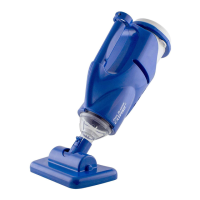
Aim at the pool
Aim the CX-1 at the pool (place robot roughly
3 ft. from the edge of the pool).
For above ground pools, drop the robot in the pool after
selecting your desired settings
Push the ON/OFF button and select your
desired Cleaning Cycle and Cleaning Mode.
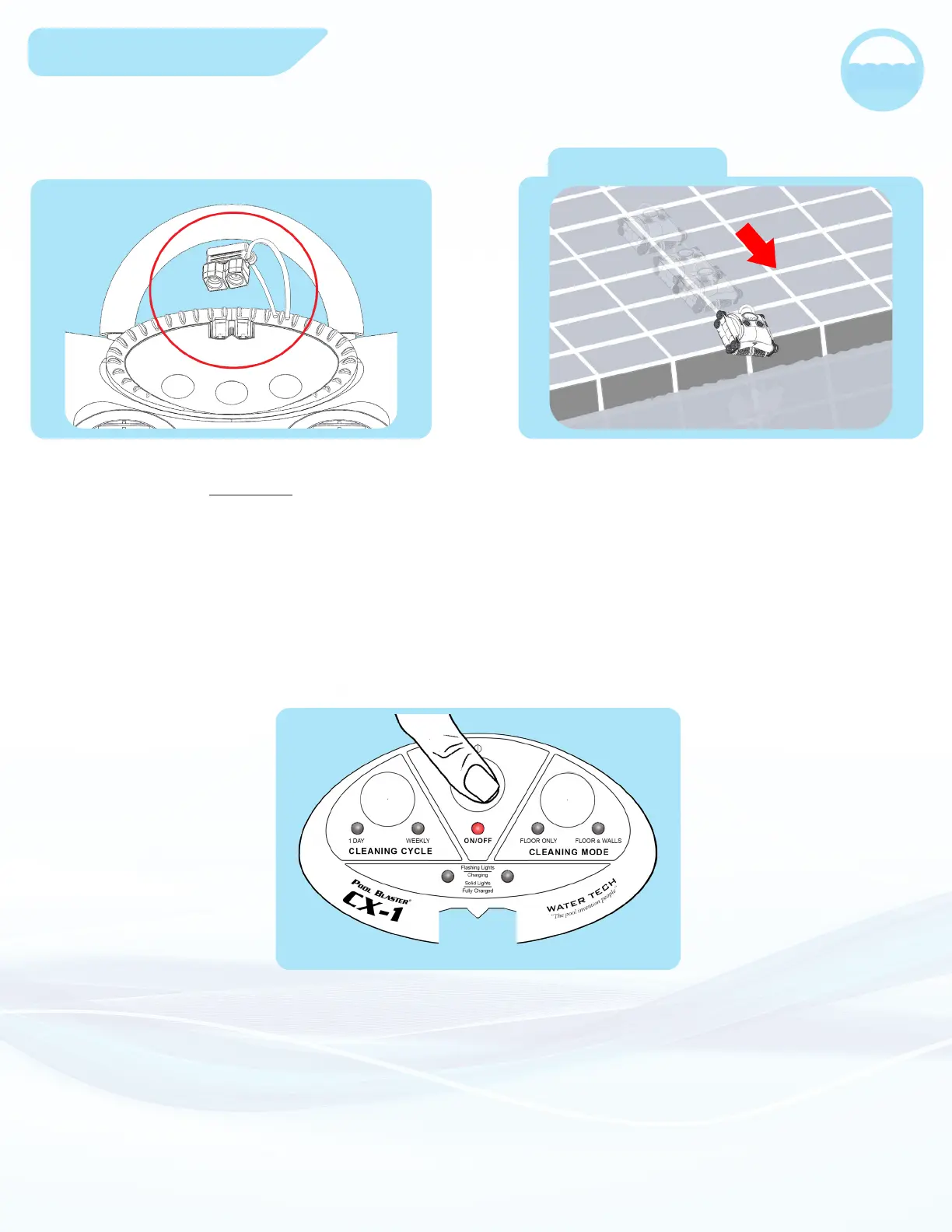
When the CX-1 is done charging, it’s
important that you DO NOT submerge the
CX-1 in water without replacing the rubber
plug covering the charging jack. Failure to
follow this step could damage your unit.
(After the robot is turned on, you will have 10 seconds to
select your desired Cleaning Mode and Cleaning Cycle
shown on Page 7-8)


 To Next Page