EasyManua.ls Logo

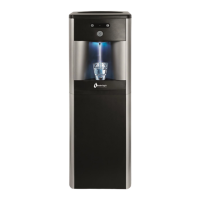
WaterLogic WL2FW FIREWALL Series - User Manual

WaterLogic WL2FW FIREWALL Series
79 pages
Print Icon
To Next Page IconTo Next Page
Loading...
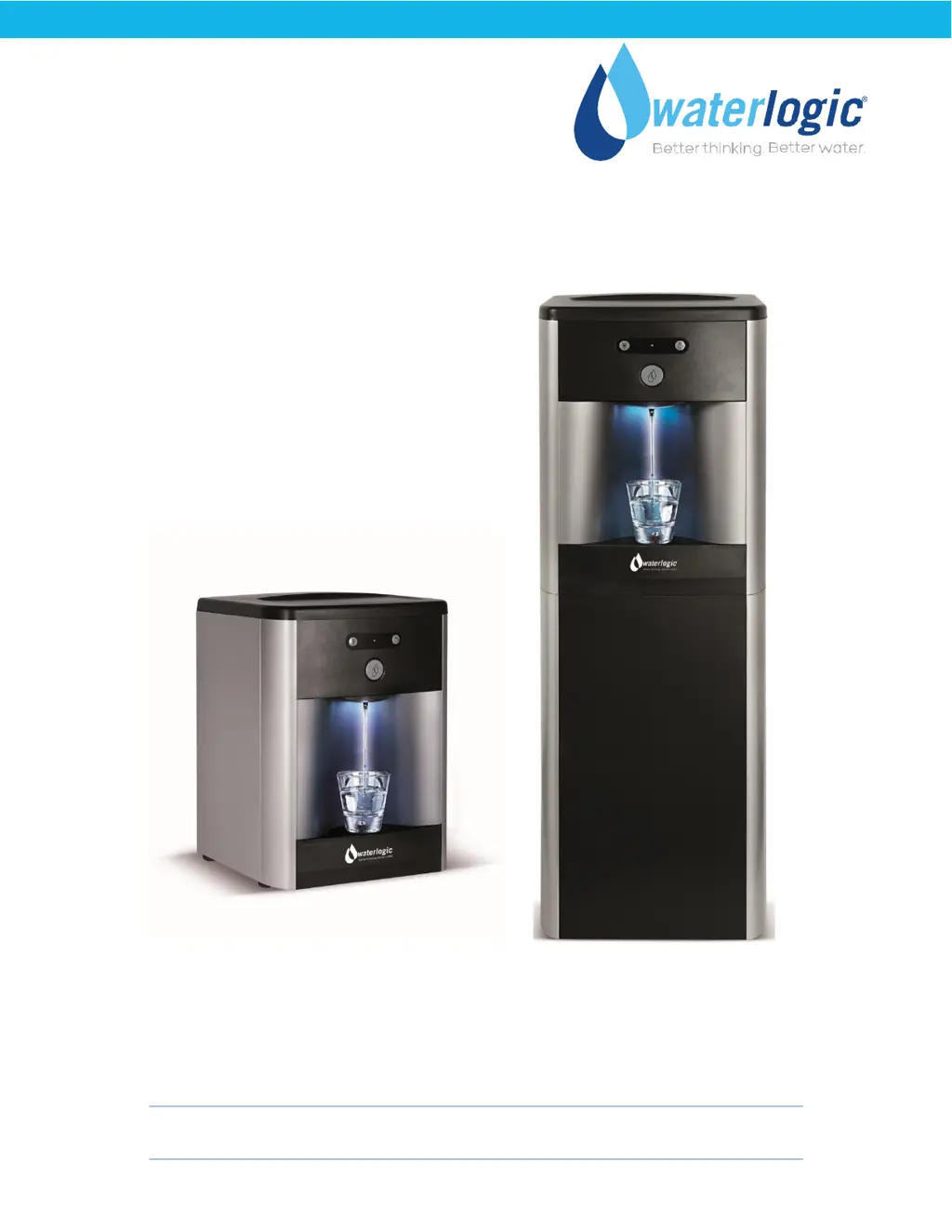
WL2FW FIREWALL
MANUAL
Waterlogic Trading LTD,
WLI Trading Limited, Second Floor, Suite 4, Beacon Court, Sandyford, Co. Dublin, Ireland
Tel: + 353 (0) 1293 1960
Fax: + 353 (0) 1293 1052
For Technical Support Email: support@waterlogicsupport.zendesk.com
WLI (UK) LTD Global Headquarters Grenfell Road, Maidenhead, Berkshire, SL6 1HN, United Kingdom

Questions and Answers

  • K
    Kelsey BonillaAug 1, 2025
    What to do if my WaterLogic WL2FW FIREWALL compressor is not running?
    • D
      dana54Aug 1, 2025
      First, ensure the Red Heater & Compressor Switch button on the unit is in the 'on' position (I = ON). If the compressor still isn't running, turn the Red Heater & Compressor Switch off (O = OFF). Remove the compressor cap on the side of the compressor and disconnect the black and red terminal connectors. Inspect the starter and overheat relay for any defects, and replace any defective components as needed. Finally, turn the Red Heater & Compressor Switch back on (I = ON) and retest the compressor operation.
  • M
    Mr. Mark Trevino IIAug 5, 2025
    Why is the red heater and compressor power switch on my WaterLogic Water Dispenser not lighting up?
    • K
      Kyle PaulAug 5, 2025
      Several issues could prevent the red heater and compressor power switch from lighting up. It could be due to a tripped circuit breaker, a blown fuse, a defective or loosely connected power cord, a failed socket (Power Line Noise Filter/ElectroMagnetic Interference filter), or a defective red heater & compressor switch. Check the circuit breaker and ensure the power cord is properly plugged in. If the power cord seems fine, try using a different one to test. If those steps don't resolve the issue, the fuse, socket, or switch may need to be replaced.
  • V
    Vicki WilcoxAug 9, 2025
    What to do if my WaterLogic Water Dispenser compressor runs but doesn't chill?
    • K
      Kim EdwardsAug 9, 2025
      If the compressor is running but not chilling, the condenser might be dirty. Clean the condensing coil to remove any obstructions or dust. Also, make sure the unit meets the minimum ventilation requirements (2 to 4 inches). If the compressor is running very hot, this could indicate low or lost refrigerant. The Mini model should have 20 grams of refrigerant, while the free-standing model should have 22 grams. Recharge the refrigerant as necessary.
  • J
    Jeffrey SmithAug 13, 2025
    Why is the red heater & compressor power switch lit, but the red LED on the front of my WaterLogic WL2FW FIREWALL Water Dispenser is not?
    • T
      Theresa WhiteAug 14, 2025
      If the red heater & compressor power switch is lit, but the red LED on the front isn't, it could indicate a bad transformer, a black power connector to the PCB that isn't properly connected, a bad front PCB, or a defective red heater & compressor switch. Ensure the black power connector is properly connected. If that doesn't solve the problem, the transformer, the front PCB, or the switch may need to be replaced.
  • D
    donaldsonamberAug 18, 2025
    What does green flashing light and audible alarms mean on WaterLogic Water Dispenser?
    • J
      Joseph SmithAug 18, 2025
      A green flashing light accompanied by 15-second audible alarms indicates that the Firewall UV System in your WaterLogic Water Dispenser is not providing an adequate dose of UV. Check the UV System. If the Ballast Indication Light is green, ensure the UV lamp is on and replace the lamp if necessary. If replacing the lamp doesn't resolve the problem, replace the UV sensor. If the Ballast Indication Light is red, change the UV lamp. If the Ballast Indication Light is not lit, check the power to the Ballast; if power is present, replace the Ballast.
  • N
    Nicole WalkerAug 22, 2025
    How to fix continuous red flashing light on WaterLogic WL2FW FIREWALL Water Dispenser?
    • Y
      Yolanda GomezAug 22, 2025
      A continuous red flashing light and continuous audible alarms indicate that water is present in the Bottom Tray, triggering the leak detection system. This feature is only available on the Mini Model. To resolve this, remove the Top Cover and Front Panel. Then, slightly tip the unit to drain any water and thoroughly dry the Bottom Tray.
  • N
    nicole68Aug 27, 2025
    Why is there no LED light on my WaterLogic WL2FW FIREWALL Water Dispenser?
    • E
      Emily WebbAug 27, 2025
      A lack of LED light could be due to a power problem or because the LED light itself is out. Check for any power disruptions. If there are no power issues, check if the PCB LED is operational and replace the PCB as needed.

Summary

Introduction to WL2 FW Water Treatment System

Product Overview

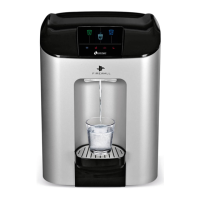
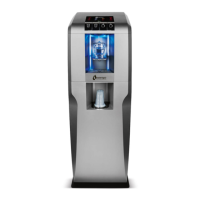
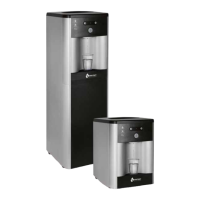
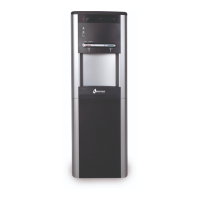
Overview of the Waterlogic WL2FW Water Treatment System features and benefits.

User Guide

Safety Information

Explains warning symbols, precautions, and general safety guidelines.

Product Features and Specifications

Details features, benefits, certifications, models, and technical specifications.

Operating Instructions

Guides on how to operate the water dispenser controls and dispensing.

Service Guide

Service Requirements and Hot Tank Operation

Covers service needs, installation rail, hot tank function, and heater circuit wiring.

Maintenance and Programming

Includes hot tank descaling, overheat reset, and programming settings.

Parts and Diagrams

Lists replacement parts, consumables, and provides detailed diagrams for models.

Installation Guide

Pre-Delivery and Sanitization

Steps for unit preparation, sanitization, and filter flushing before installation.

Installation Procedures

Step-by-step guide for physically installing the water dispenser.

Troubleshooting Guide

Fault Codes and Power Issues

Diagnoses problems based on fault codes, indicator lights, and power supply issues.

Dispensing and Water Temperature Issues

Solves dispensing problems, cold/hot water issues, and flow restrictions.

WaterLogic WL2FW FIREWALL Series Specifications

General IconGeneral
BrandWaterLogic
ModelWL2FW FIREWALL Series
CategoryWater Dispenser
LanguageEnglish

Related product manuals