pg.6
WATTBOX™ 800CH1U-IPVM-8 Quick Start Guide
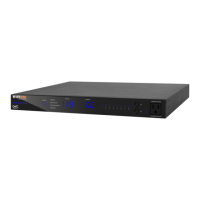
LED OPERATION
Note: LEDs on the front and back of the WattBox function identically.
Internet Blue (Solid) All host sites/IP addresses are communicating with the WattBox.
Blue (Flashing) Host ping partial fail. At least one host site/IP address ping is communicating
with the WattBox.
Red (Solid) None of the host sites/IP addresses are communicating with the WattBox.
Safe Voltage Blue (Solid) Safe Voltage is enabled and current incoming AC voltage is safe for operation. All
outlets are receiving power.
Blue (Slow Blink) Safe Voltage is enabled, but the incoming voltage is not safe.
O Safe Voltage is disabled.
Surge
Protected
Blue (Solid) e WattBox is powered on and outlets are protected.
O e WattBox is not powered on, or the MOVs have opened, removing power
from the outlets.
Grounded Blue (Solid) Incoming AC outlet is grounded.
O Incoming AC outlet is not grounded and requires inspection by an electrician.


 To Next Page
 Loading...