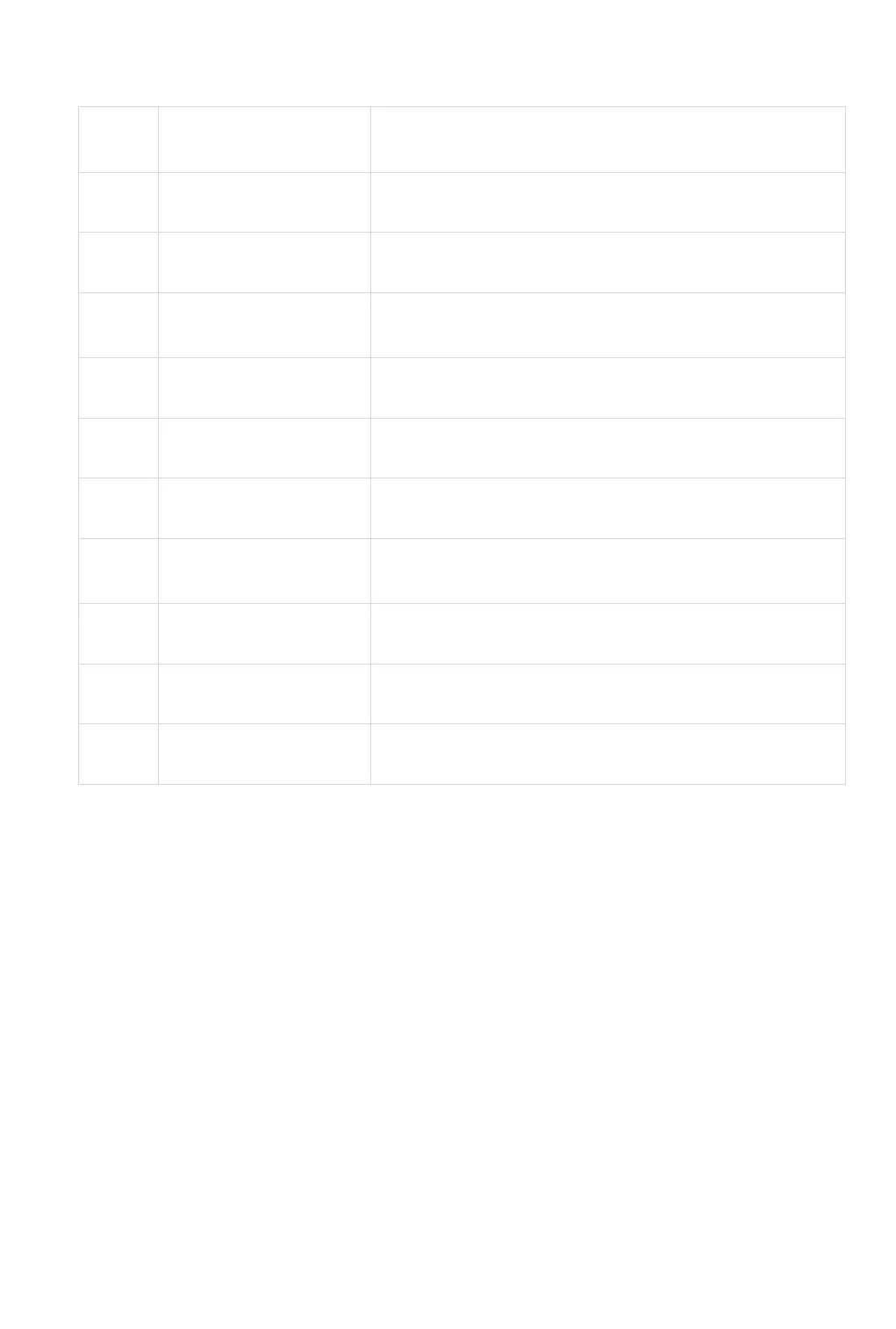
LIST OF FAULT CODES
Please disconnect the charging cable and stop charging
Please disconnect the output and charge the device
Please disconnect the output and wait 1-2 hours before
operation
Please disconnect the charging cable
Please disconnect the charging cable
Please contact customer service center
Please disconnect the output and check the electrical
equipment
Please contact customer service center
Please disconnect the output load
⚠ When the DC load is abnormal, the system will automatically turn off the output and will
not show the fault code. Please disconnect the output and check the electrical equipment
then try again. When the USB load is abnormal, the corresponding output power will to be
zero and the system will not show the fault code. Please disconnect the outputs and check
the electrical equipment, then try again.


 To Next Page