4.3 Switch ON / OFF
• The ON / OFF switch is a software switch.
• If the probe is connected and you switch on the unit, MonitEM-Lab will start
to measure and send data as it was programmed before switching it off.
• When you switch off the unit, the system will do any pending tasks before
entering in the off mode. It can take some seconds to switch off if MonitEM-
Lab must terminate a communication with the server or must save some
data in the SD card.
• When connected with the USB, MonitEM-Lab will not shut down even with
the switch in OFF until you remove the USB connection with the computer.
5. START-UP
5.1 Installing the software
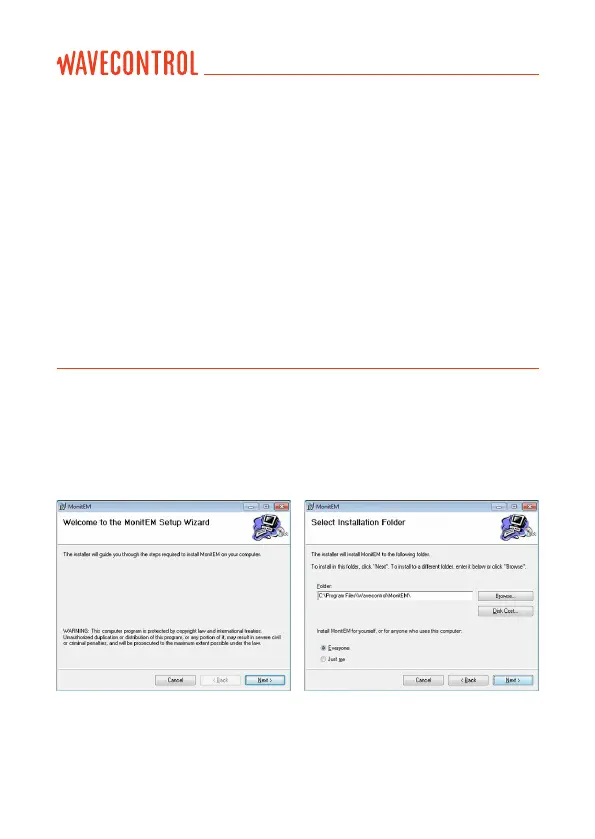
Insert the USB drive containing the software for the device, open the MonitEM
Setup le and follow the instructions on the screens (it will install the software
and drivers of the MonitEM-Lab):
User’s Manual
Electromagnetic Radiation Monitoring Device MonitEM-Lab P. 8



 To Next Page