Waves Vocal Rider
User Guide
7
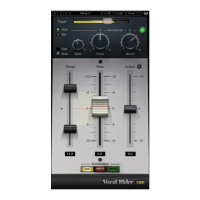
3.2 Controls
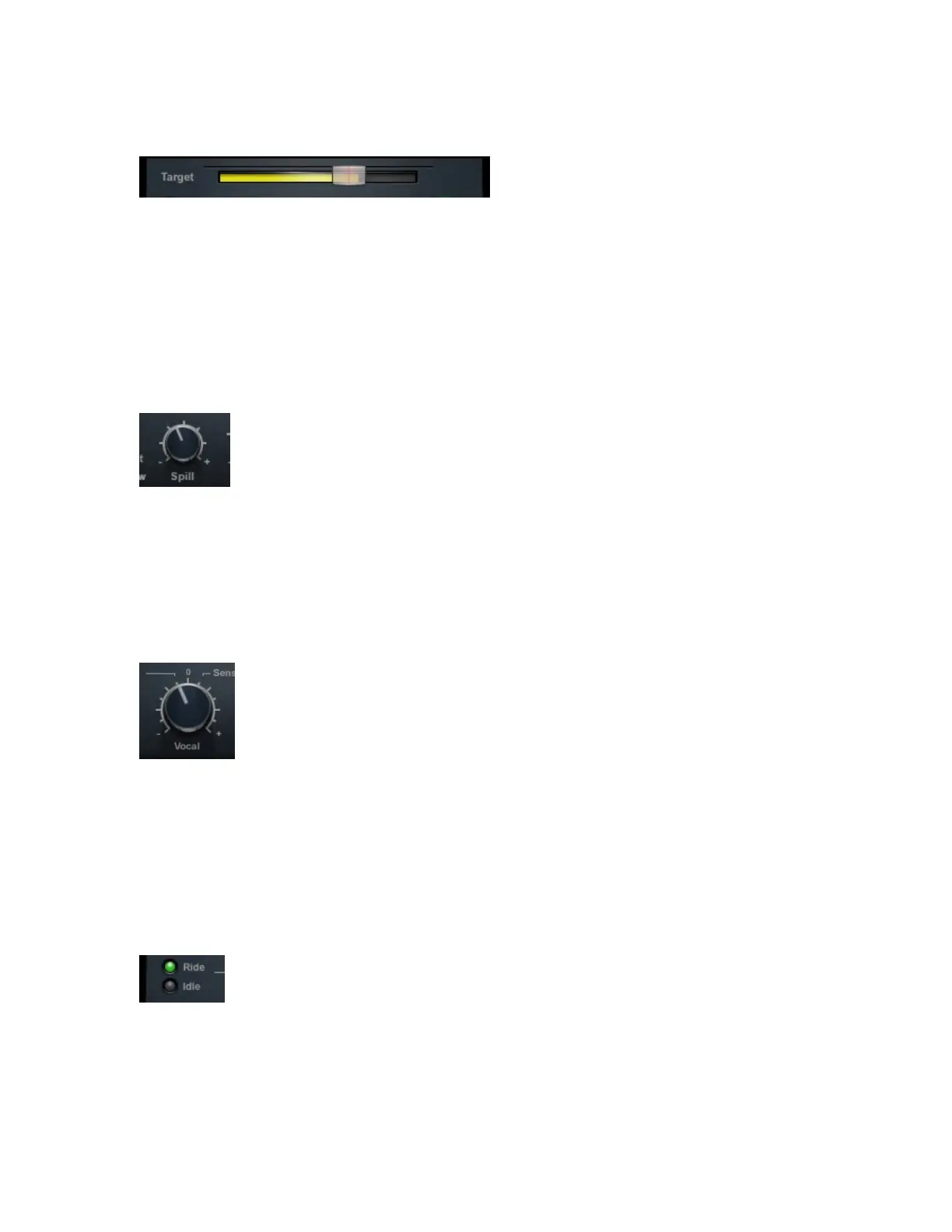
TARGET sets the reference range for vocal mix positioning. Since Gain Riding is relative
to the Target position, changing the Target setting will move the Rider Fader’s ‘0’
calibration, re-focusing the correct level range.
Range: 0 to -42 dBFS
Default: -21
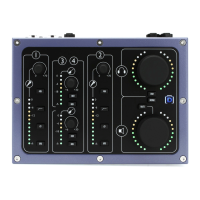
SPILL differentiates between vocal signal and unwanted ambient stage noise, to provide
better tracking. (Vocal Rider Live components only)
Range: -12 to -48 dBFS
Default: -48
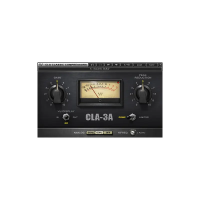
VOCAL SENSITIVITY controls the vocal detector sensitivity, which differentiates vocal
content from noise floor, spill, and ambience, and identifies the beginnings and endings
of words.
Range: -12 to +12 dB
Default: 0
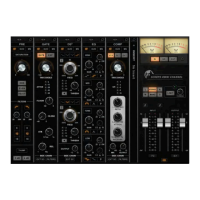
VOCAL ACTIVITY DISPLAY indicates when vocal activity is detected.
Range: Ride, Idle
Default: Idle


 To Next Page