Waves Vocal Rider
User Guide
9
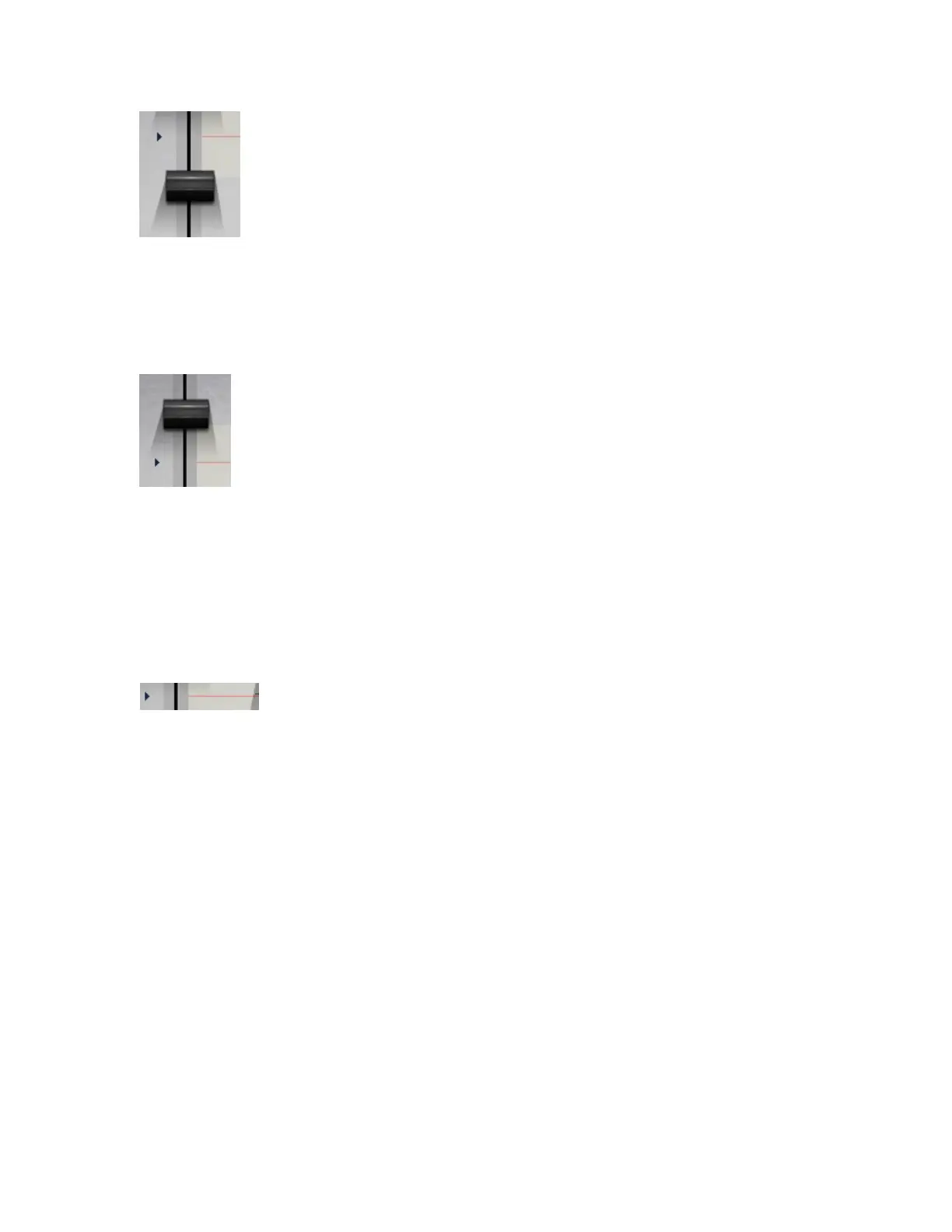
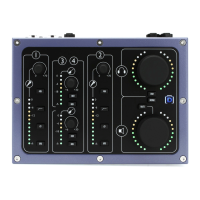
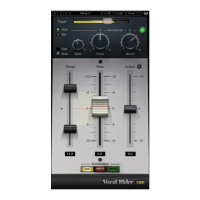
RANGE MIN sets the lower boundary of the Rider Fader movement range, setting the
maximum possible Rider Fader attenuation.
Range: -12 to +11 dB
Default: -6
RANGE MAX sets the upper boundary of the Rider Fader movement range, setting the
maximum Rider Fader gain.
Range: -11 to +12 dB
Default: +6
IDLE ARROW sets the Rider Fader value when there is no vocal activity. Typically, it is
in the middle of the range, to avoid drastic gain changes between words.
Range: -12 to +12
Default: 0


 To Next Page