21
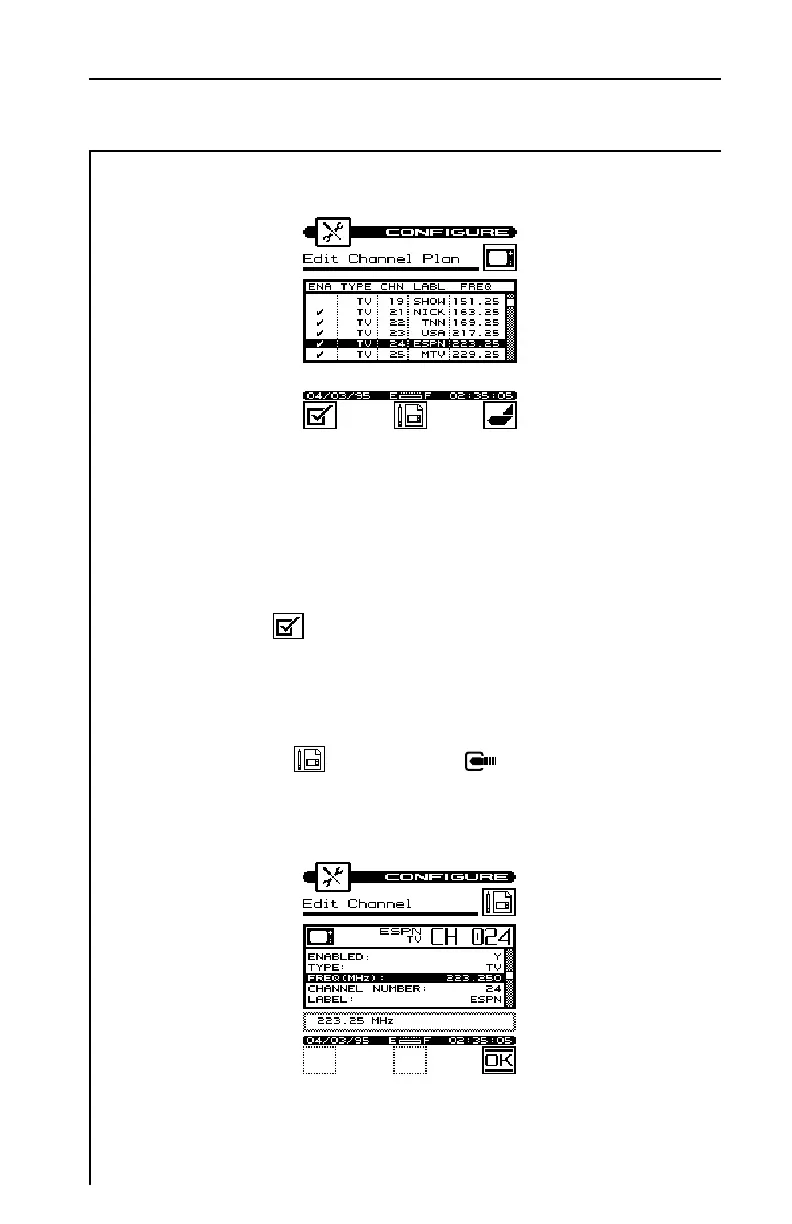
You must enable a channel in order to perform measurements on it.
A check mark appears in the left-hand column when the channel is
enabled. When you built the plan, microStealth automatically
enabled all the channels it found to be active on your system. You
may want to verify that all your channels have been correctly
enabled. Use the soft key to enable/disable the channel
highlighted in the list.
There are several parameters that you can specify for each channel.
To do this, highlight the desired channel using the up or down
arrow and press the soft key or the key. The parameters
for that channel appear.


 To Next Page