38
Note
Only the limits that are enabled in the selected test point appear on
this screen.
Your microStealth can indicate the minimum and maximum carrier
level limits on the graph. The out-of-limit portions appears as
diagonal “hash” areas. You can toggle the hash lines on and off by
pressing the key.
Note
The limit check results are updated with each scan. They are also
update immediately when you press the or soft keys.
When you are finished viewing the overall limit results, press the
soft key to return to the main menu.
CHECKING LIMITS ON AN INDIVIDUAL CHANNEL
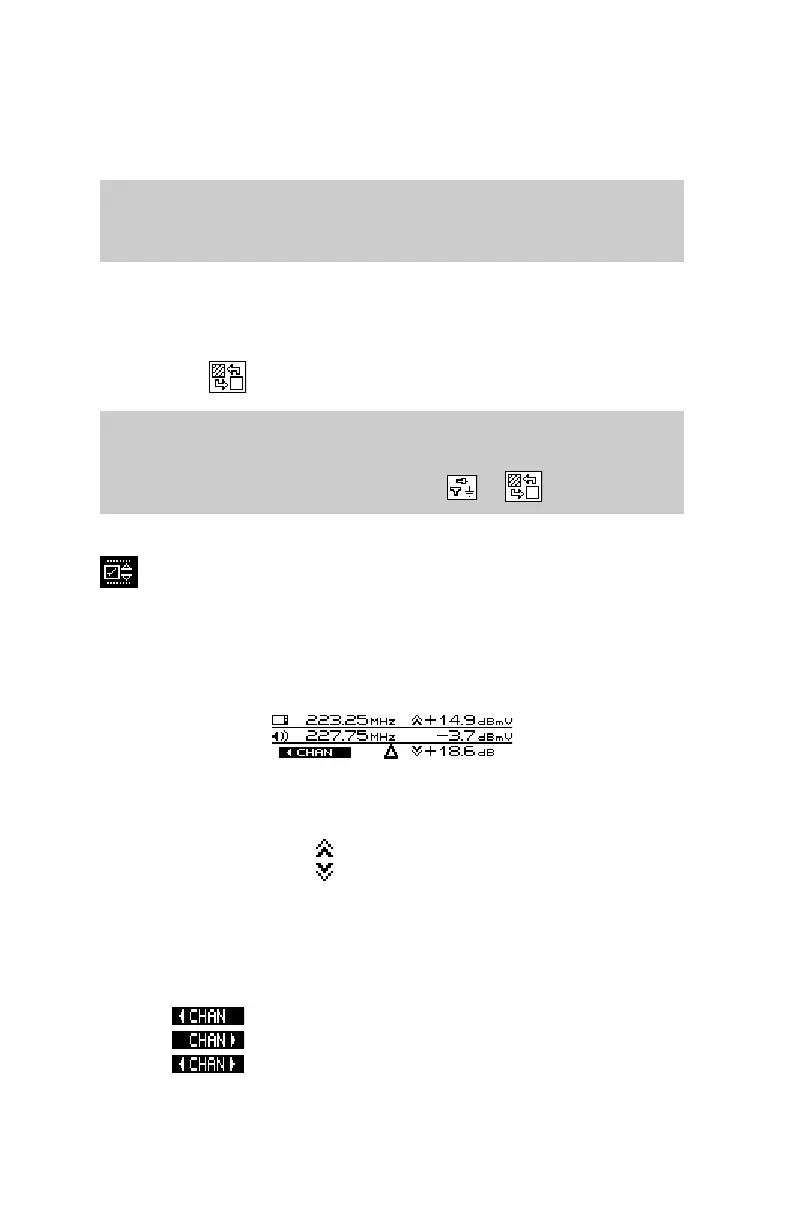
Indicators appear in the marker information area when a channel is
outside the limits of the currently selected test point.
Up or down arrows to the left of the video level and DVA numeric
measurement tell you when the limits have been exceeded.
measurement too high
measurement too low
When an adjacent channel error occurs, one of the following
indicators will appear in the lower left-hand area of the marker
information area:
lower adjacent channel level
upper adjacent channel level
both upper and lower adjacent channel levels


 To Next Page