46
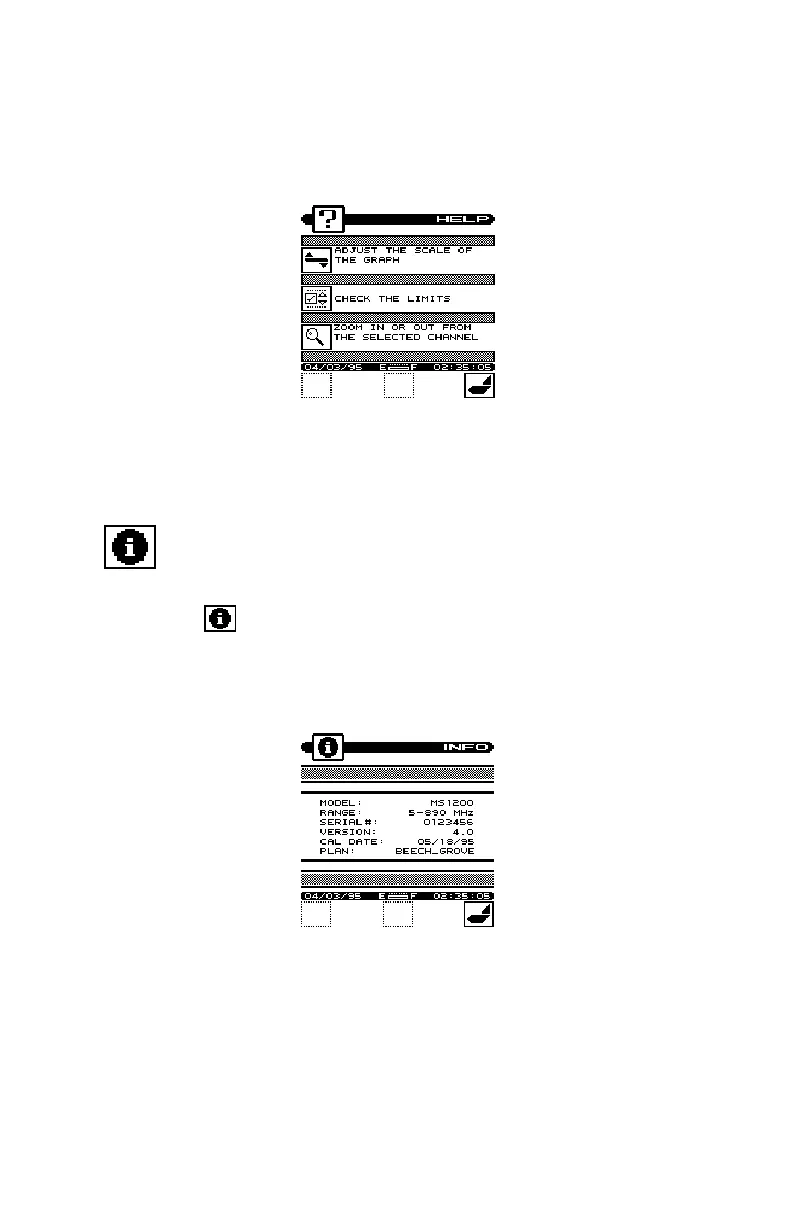
Next to the icon is a brief description of the function that the soft
key performs. If an icon is currently inactive "feature not available" is
displayed.
INFORMATION
Choose the icon from the NAVIGATOR. Here you can view
information concerning your MS1200. The type of information
includes; model, frequency range, serial #, firmware version, calibra-
tion date, and channel plan.


 To Next Page