3
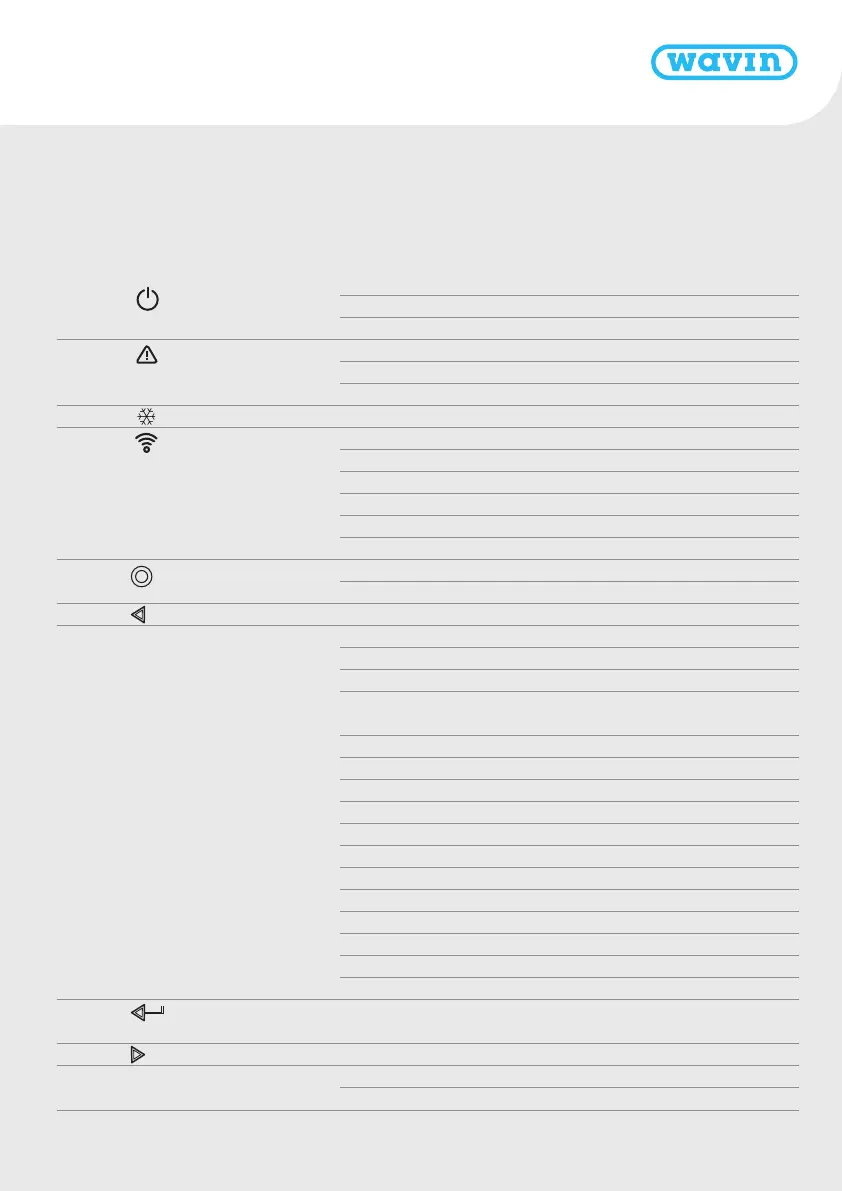
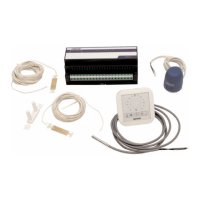
LEDs and Buttons CCU and EUs
Letter* LED/Button Function Light Meaning
A Status Off No power supply of the unit
Green On Power on – everything ok
Red On Bootloader is working
B Warning Yellow flash Error, e.g. connection to peripheral lost
Yellow slow flash Bootloader is working / preparing for update
Yellow fast flash Update is running
C Cooling Blue On Cooling is active
D LAN status Green On Connection to LAN and cloud service
Green flash Connected to LAN but no cloud service
Green fast flash Learn mode active for registrating unit to the app
Blue On Auto update has found a new version and is ready to update
Blue flash Auto update is ready to check for a new version
Blue fast flash Auto update is checking a new version
E Peripherals enrolling Green On Global peripherals enrolled
Red flash Enrolling mode (global peripherals can be connected)
F Channel Selection - Select a channel by moving it to the left
G 1 – 16 Actuator channels Red On Heating
Green On Idle – no heating / no cooling
Blue On Cooling
Purple On Idle – Room without thermal actuator; e.g. room with
Smart Radiator Thermostat
Cyan On Idle – Output used for special purposes E.g. External Actuator
Red flash Enroling mode (peripherals can be connected)
Red fast flash Output overloaded, heating demand
Green flash Missing periphery
Green fast flash Output overloaded, idle, no demand
Blue fast flash Output overloaded, cooling demand
Green/red Heating blocked
Green/blue Cooling is blocked
Purple/red Heating is blocked for room without thermal actuator
White slow flash Periodic activation (preventive maintenance)
White On First time opening of thermal actuators
Yellow Changing profile settings / restart / updating peripheral
H Enter Confirm action, Learn mode to connect to the APP,
Reset a channel (hold 10s), Factory Reset (hold 20s)
K Channel Selection Select a channel by moving it to the right
O A – F VFR channels Green On VFR set and ready
Red on VFR active
* See page A
3


 To Next Page