VIII.
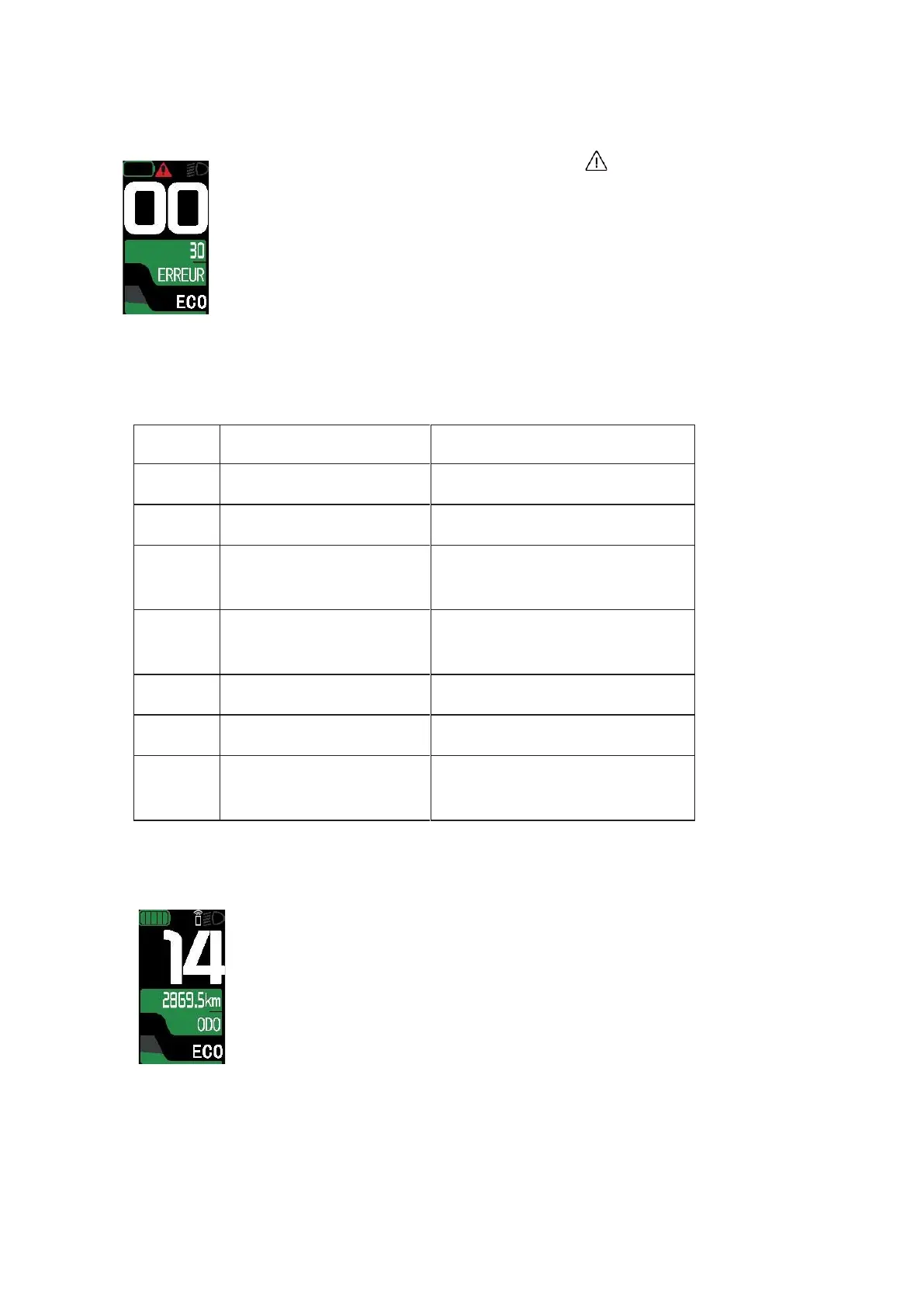
ERROR CODES
When an error code appears on the display, the ''
'' icon appears on the
screen.
Error codes are displayed for informational purposes only. If an error code appears,
check that all the visible connectors are connected.
If the error persists, we advise you to contact your workshop or bicycle
dealer.
Detailed error codes
Check engine and battery cables
Check engine and battery cables
Check the connections between the
display and the controller
Check that the button works properly and
replace if necessary
Assistance button fault Walking
assistance
Check that the button works properly and
replace if necessary
IX.
BLUETOOTH FUNCTION (IF AVAILABLE ON YOUR MODEL)
When the Bluetooth function is activated, the Bluetooth icon appears on the
screen:
When synchronising with your phone
When the user application is running
X.
SETTINGS MENU
Press and hold the "i" button to enter the Settings menu.



 To Next Page