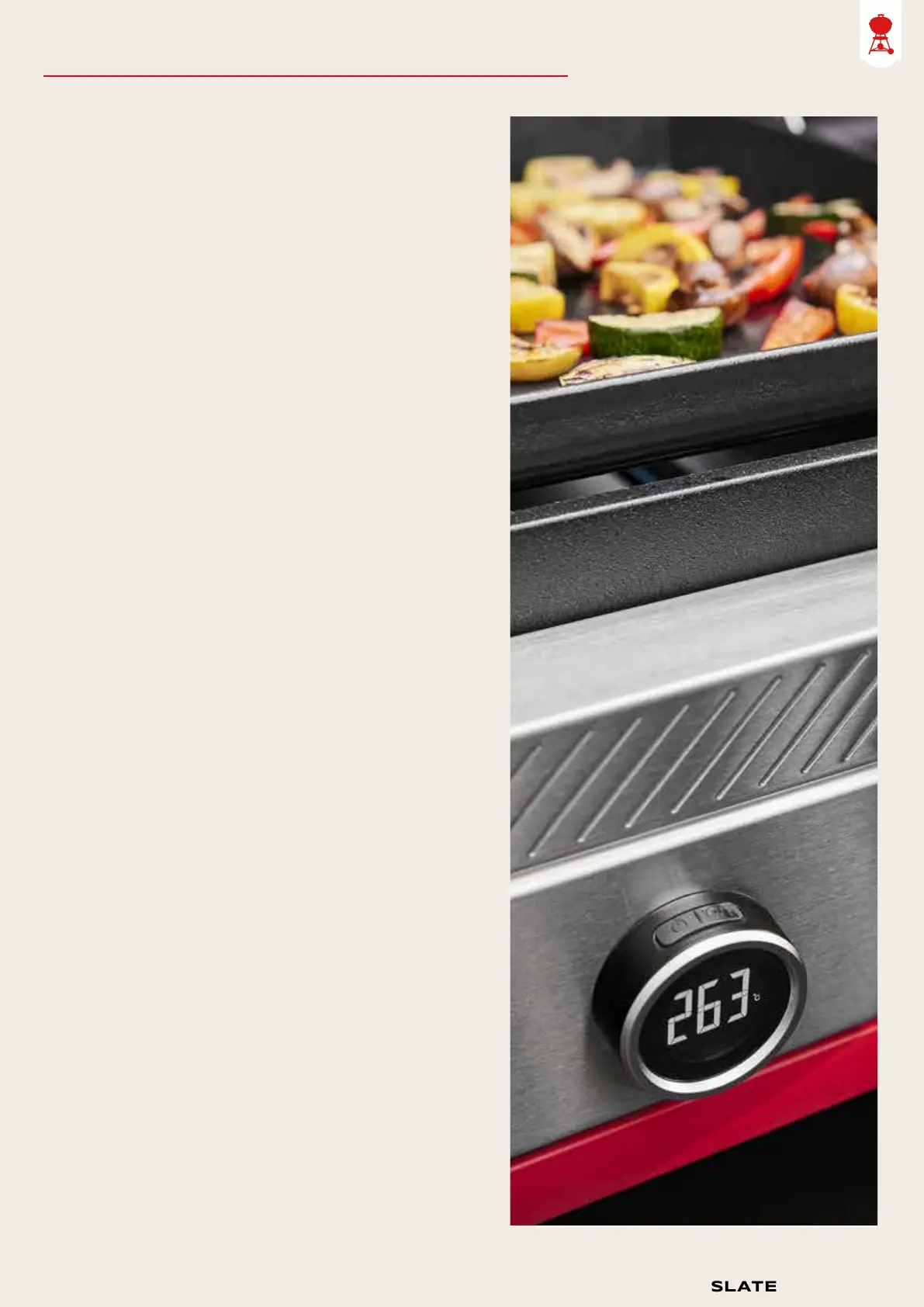
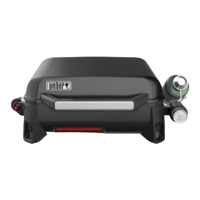
The digital temperature display gives
you a convenient way to check the
surface temperature of your griddle
while the barbecue is in use.
• Press and hold the power button for 2
seconds, located on the top-left side,
to turn on the display.
• To change between Fahrenheit (Fº) and
Celsius (Cº), push the top-right button on
the display unit to toggle between these
options.
• Once powered on, the display will be at
100% brightness for 15 minutes, then will
dim slightly to preserve battery life. To
refresh the display to 100% brightness
simply tap the power button, located on the
top-left side, and the display unit will
update to 100% brightness for 2 minutes.
• When it is time to change the 2 AA batteries,
a low battery icon will appear at the bottom
of the display screen.
• To manually shut off, press and hold the
power button, located on the top-left side,
for 2 seconds.
The digital
temperature
display
Setting up your Weber
®
Slate Premium Griddle
9
Quick-Start Guide



 To Next Page