EasyManua.ls Logo

weBoost 4G-X OTR - Connect to Power Supply

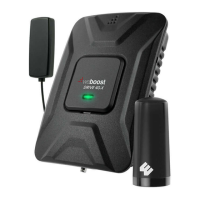
weBoost 4G-X OTR
22 pages
To Next Page IconTo Next Page
To Previous Page IconTo Previous Page
Loading...
Step 6
CONNECT
TO POWER SUPPLY
Plug
the
power
adapter
into
vehicle's
12V DC
power
supply
.
Power
up
your
Drive 4G-X
by
flipping
the
switch
on
the
back
of
the
DC
power
adapter
on.
If
your
Drive 4G-X is
working
correctly,
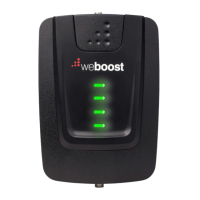
the
lights
will remain green.
NOTE:
If
light
is
not
green
on
your
weBoost
booster,
please
refer
to
the
full
user
manual
online
or
contact
customer
support
at
1-866-294-1660
or
email
at
support@weboost.com.
Congratulations!
Once
your
booster
is
running,
please
allow
some
time
for
your
phone
to
adjust
to
your
new
signal.
Read
more
about
it
here
at
weboost
.com
/
us/test
-
mode
-
instructlons
/
WHAT
COLOR
IS
YOUR
LIGHT?
.::
Ne
boost
~
GREEN
Booster
is
operating
seamlessly
.::
we
boost
~-
1
BLINKING
RED
Booster
has
reduced
power
to
eliminate
oscillation
.:i
we
boost
~
SOLID
RED
Booster
has
shut
down
due
to
oscillation.
FOR
ADDITIONAL
INFORMATION
PLEASE
REFER
TO
OUR
USER
MANUAL

Related product manuals