3. Operate Introduction
How To Print Your First Model.
Step 1. Filament In
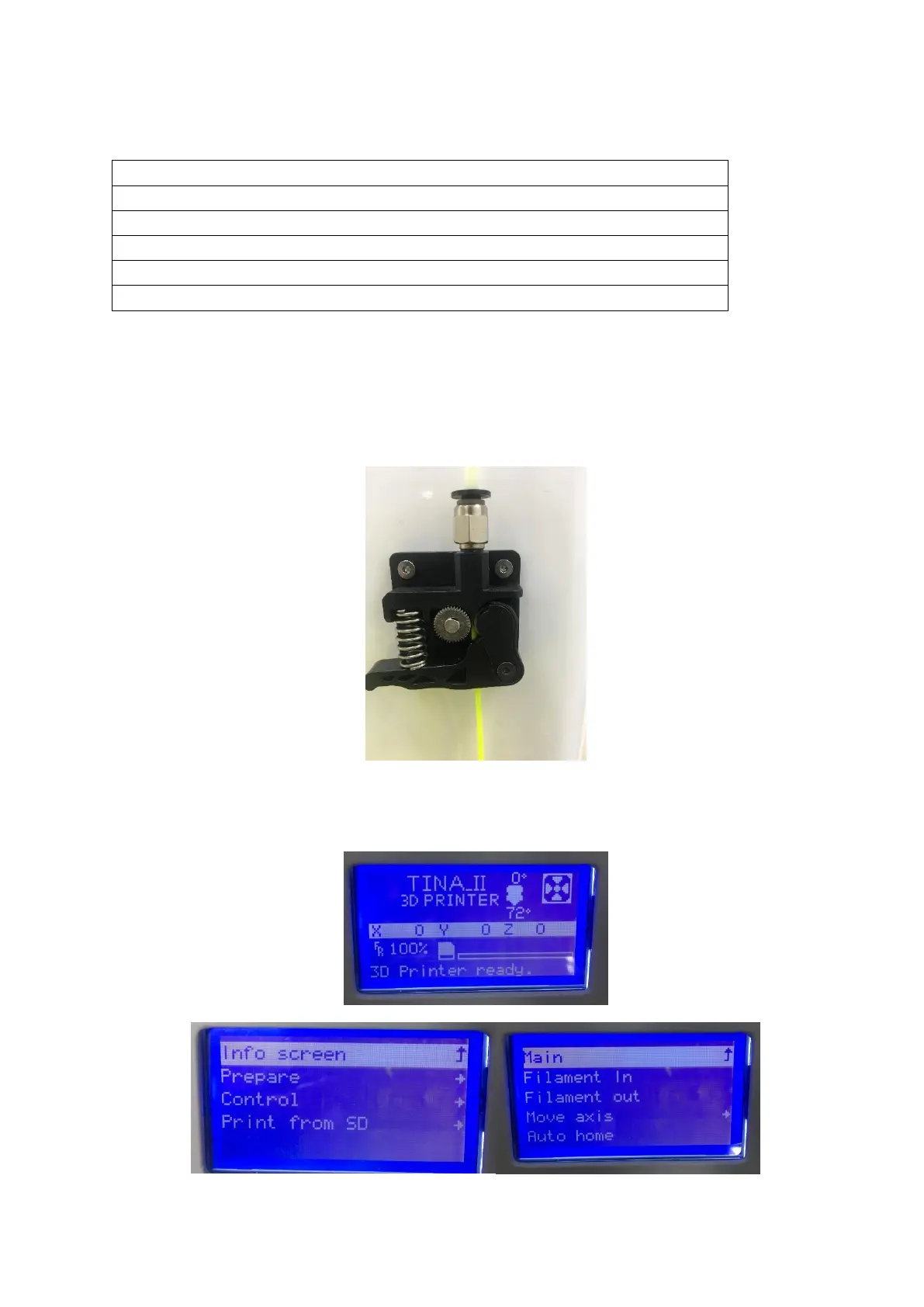
(1)Pull the filament from the accessories, make sure the front of the filament be straight and
then let the filament get into the nozzle through the feed tube.
(2)When the Printer is Ready,Click the knob and get into next menu, Click “Prepare” and
then Click “Filament In”; the Nozzle begin heating, when the nozzle temperature get the
specified temperature, the Extruder gear starts to rotate, filament extrude from nozzle.



 To Next Page