4 / 5
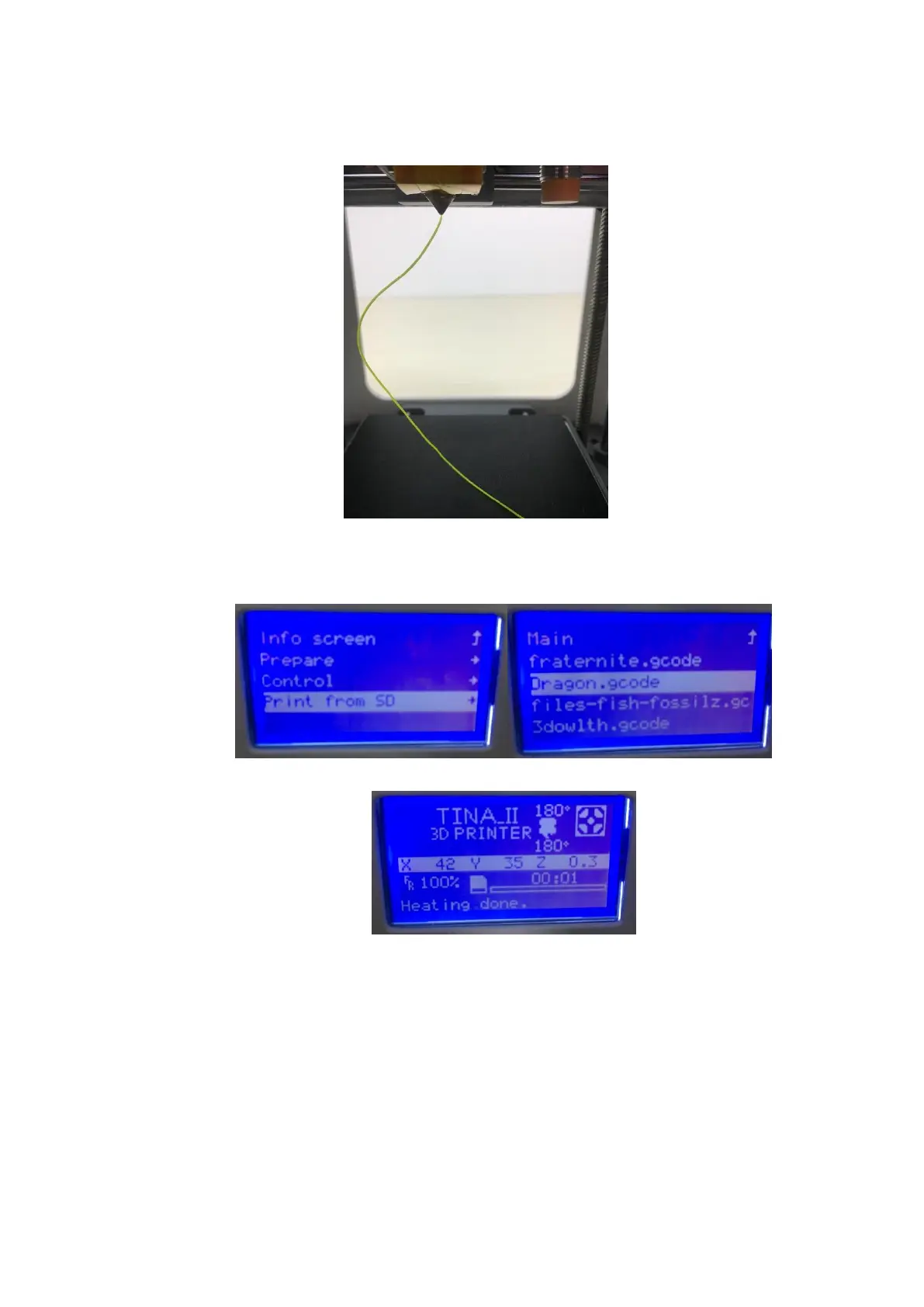
(3)After the filament extrude from nozzle, the process finished. Get into “Tune” and Click
“cancel all”
Step2. Choose Printing File
(1) Click the knob and get into next menu,Rotate the knob and find “Print from SD” and
then you will get into next menu, find your printing file and start to print!
(2) Before printing, the nozzle will start gap measurement on the platform. When the nozzle
temperature come to the specified temperature, the printer starts to work.
(3) In order to make the model more easy to stick on the platform, We let the Temp will be
20℃ higher than normal printing, When Print the raft of the model
Step3. Finishing the Printing
(1) In the process of printing, we can also change the “printing speed” and “printing
temperature” and “baby step z ”,Do not recommend you make the printing faster!
Change “Baby Step Z”, it means you can change the gap between nozzle and platform. If
you let the value of “baby step Z” increase the gap will increase. If you let the value of



 To Next Page