47
July, 2016
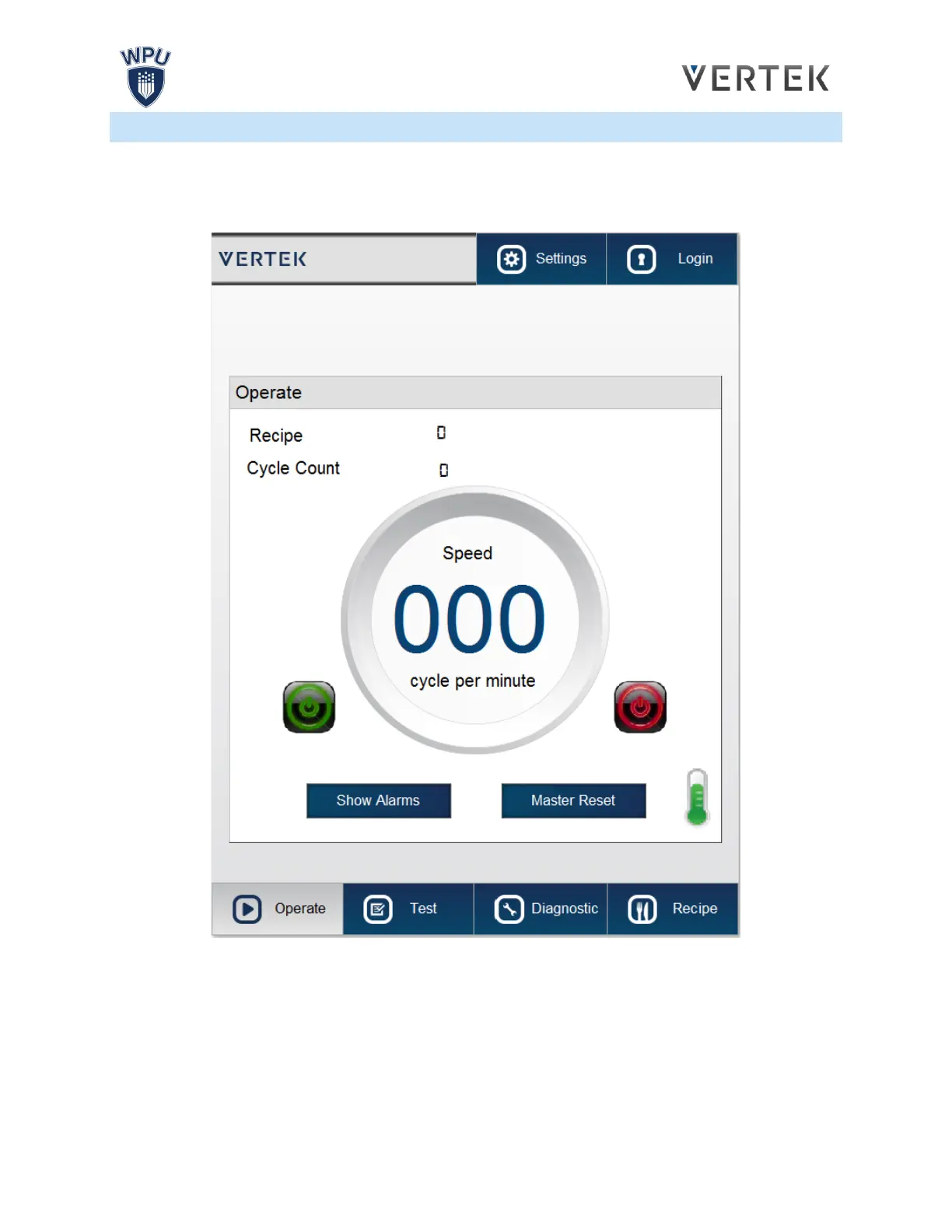
AUTO SCREEN
This screen allows the operator to start and stop the automatic bag making process, observe the speed at
which bags are being produced, how many bags have been produced, monitor alarms, monitor
temperature and to switch between Recipes.
An alarm will display if there is a malfunction with the bagger, such as a jam. The machine must be
inspected and the alarm reset before the bagger can be restarted.
The alarm must be manually reset in the H.M.I, except when the E-Stop button is pressed.
RECIPE: Displays the number of the Recipe that is presently loaded. Entering a value will load another
recipe. [Press the number field to enter a value]


 To Next Page
 Loading...

