more information.
2. Where all the programming features are located.
3. Use to enroll smartphones.
4. Engages with turnpiece when interior cover is installed. When the cover is removed, the turnpiece
shaft can be used to manually lock and unlock the door.
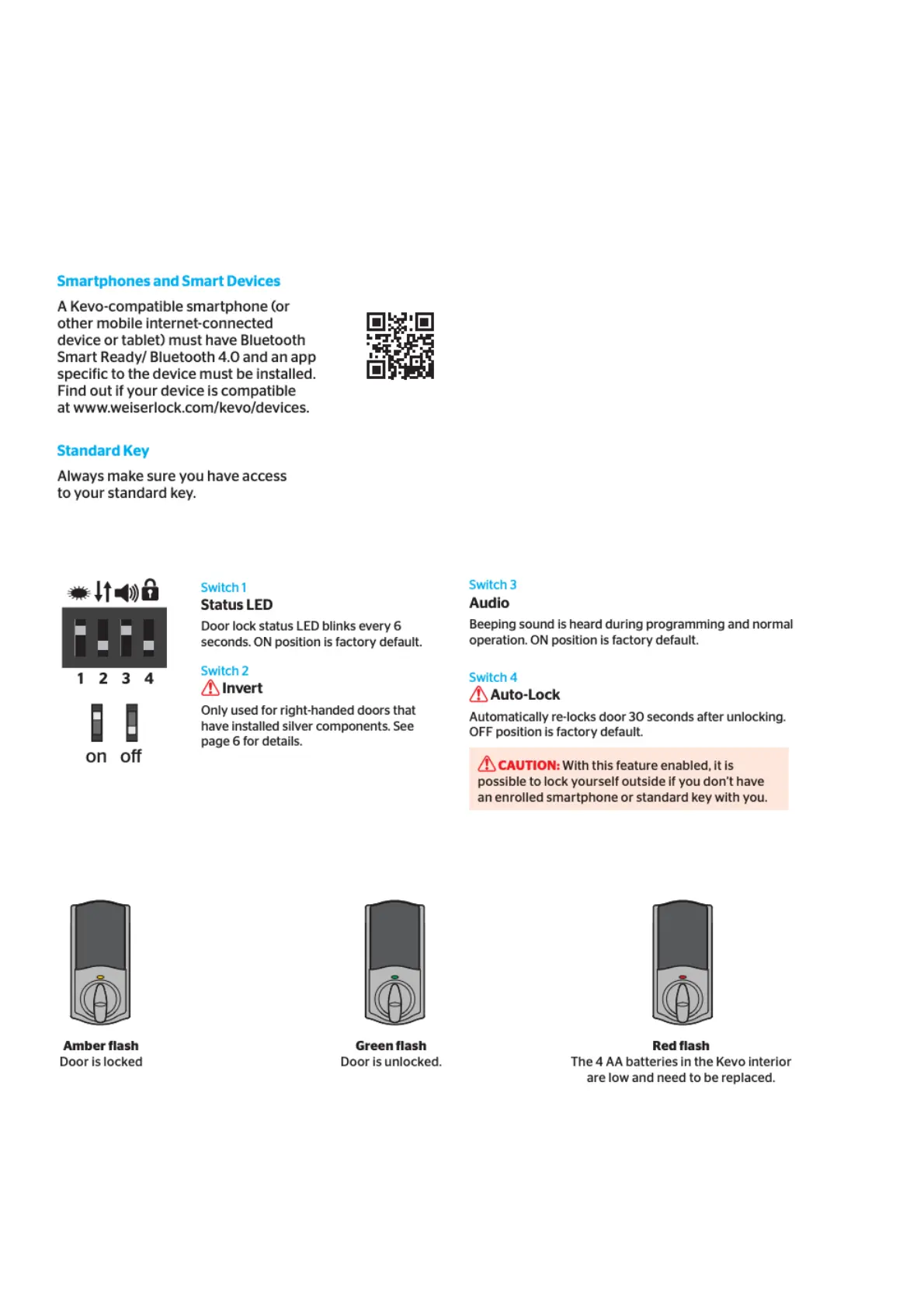
5. Use to enable and disable the Status LED, Invert, Audio, and Auto-Lock.
6. Communicates whether the door is locked or unlocked and flashes red for a low battery alert. Can
be turned on and off by Switch #1.
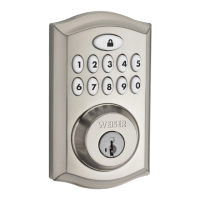
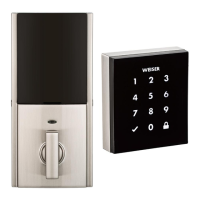
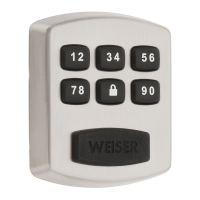
Kevo-Compatible Devices
Switches
Status LED Notifications
System Reset



 To Next Page