THE LEADER IN RESIDENTIAL SECURITY 213826 10/17
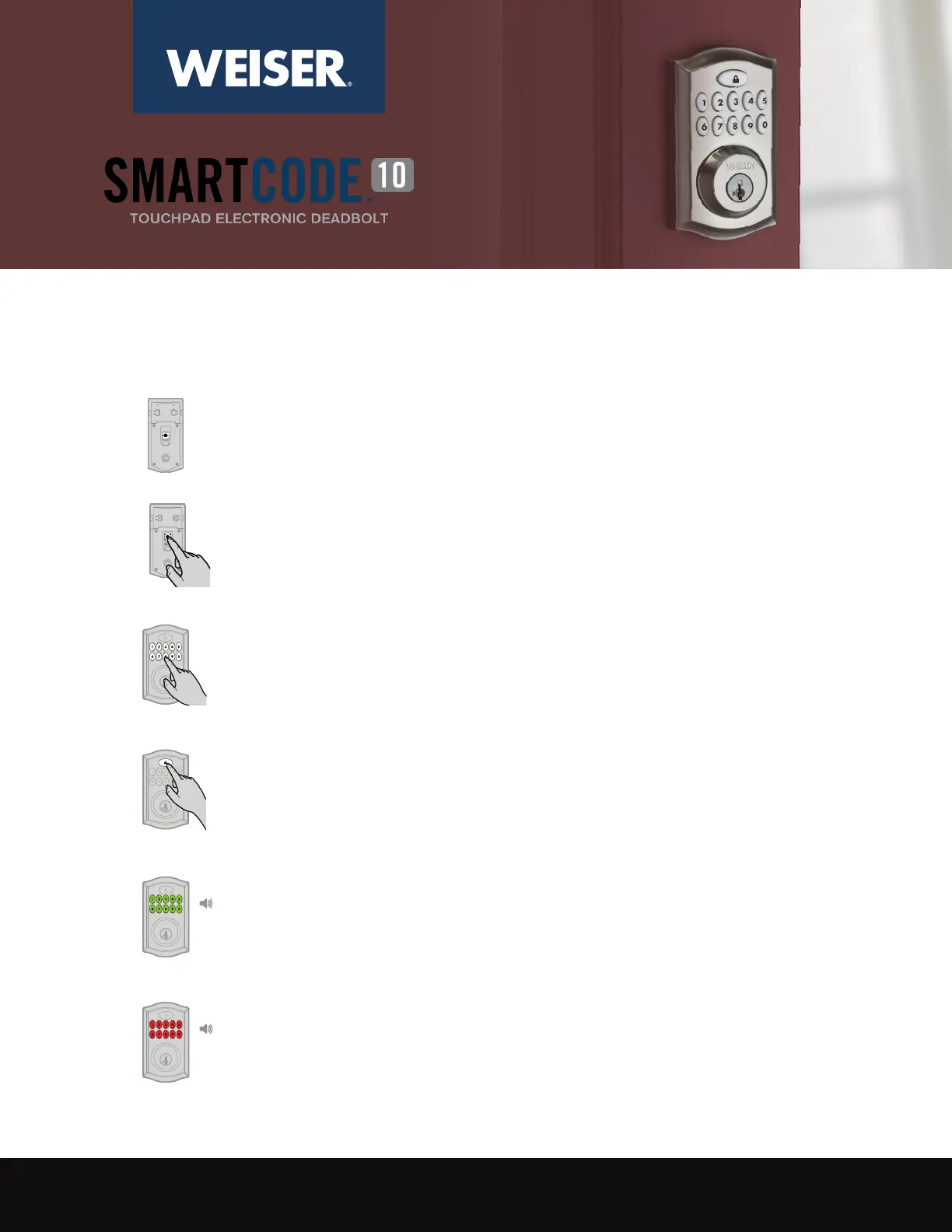
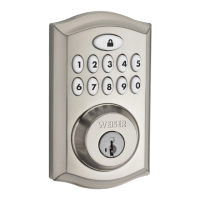
Use a phillips screwdriver to remove the 2 set screws on the interior of
the lock. Remove cover and set aside.
1
If programming is successful.
If programming is unsuccessful.
Green
(x1) (x1)
Red
(x3) (x3)
4
3
2
Make sure the door is open. Press the round program button that was
under the cover you removed.
How to Add a Code:
Enter new user code. Each user code must be a unique code between 4
and 8 digits.
Press the “Lock” button once.



 To Next Page