5
8.Automatic-BoltDirectionDetermination(DoorHanding).
IMPORTANT:DONOTSKIPTHEFOLLOWINGSTEP.
LOCKWILLNOTBEABLETOOPERATEPROPERLY!
● In the steps below, the SmartCode mechanism automatically
determines the “door handing” and sets the proper direction for mo-
tor to rotate. The system will drive the bolt several times during this
process.
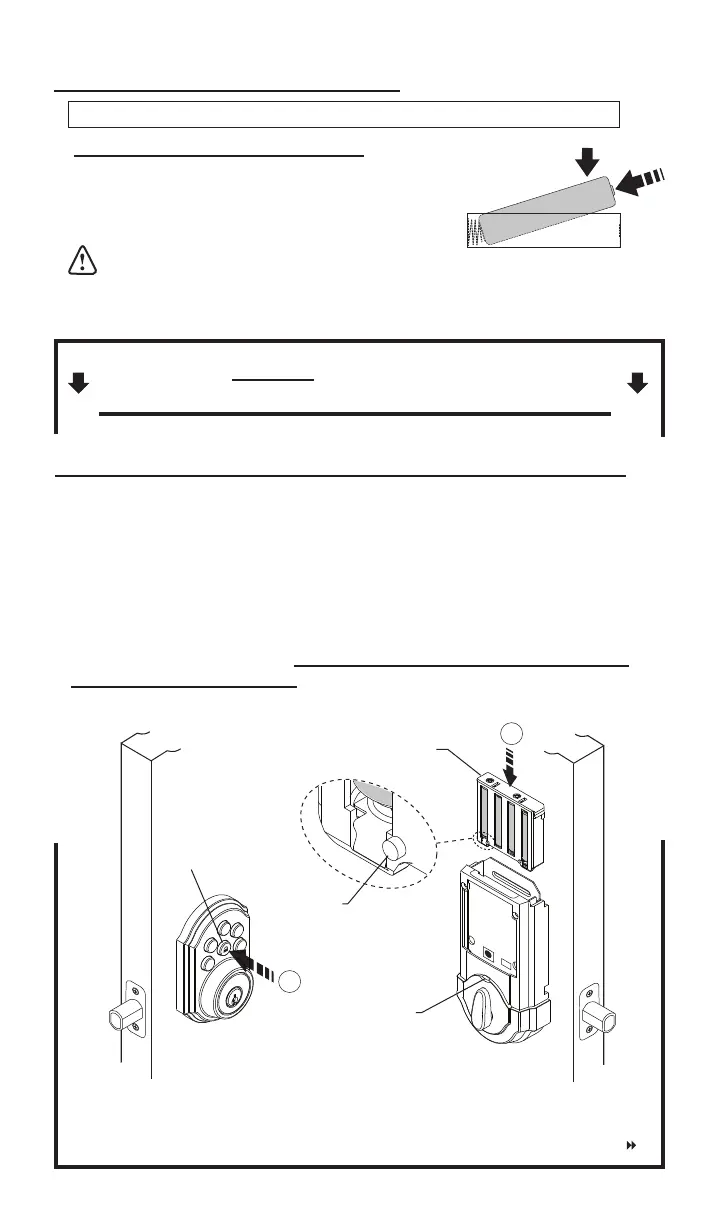
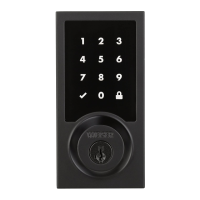
a.Pressandholdthe“LOCK”buttonontheexteriorkeypad,whilefully
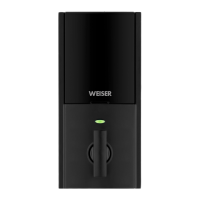
insertingthebatterypackintotheinteriorassembly(thetabonthepack
mustfaceout-seeillustration).Holddownlockbuttonuntilyouhear2
beeps(about20seconds).Itisveryimportantthatthisprocessis
allowedtonishproperly.
7.Installbatteriesintobatterypack.
AlkalineBatteryWARNING:Donotdisposeofinre,recharge,
putinbackwards,disassemble,mixwithusedorotherbatterytypes.May
explodeorleakandcausepersonalinjury.
a. Install4newAAAlkalinebatteries.
Installthenewbatteriesasindicatedinillustration.Makesure
batterieslieatinholder.For best performance,
rechargeable batteries are not recommended.
Note: Do not install battery pack into unit until you start step 8.
LOCK
Button
Tab
Battery Pack
LED
Continued


 To Next Page