Controls and indicators
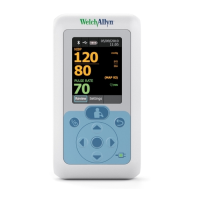
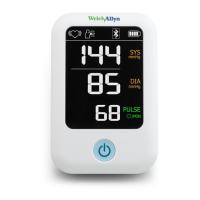
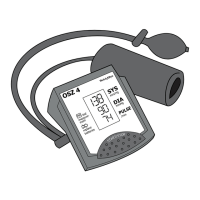
Monitor front
No. Feature Description
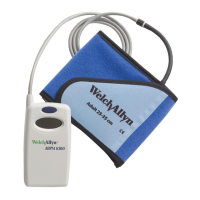
1 D-Ring blood pressure cuff Apply to upper arm to take a blood pressure measurement
2 Air tube Connects the cuff to the air connector plug
3 Air connector plug Air tube connects to the air connector plug
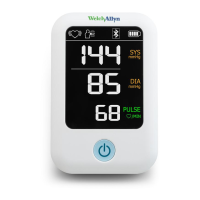
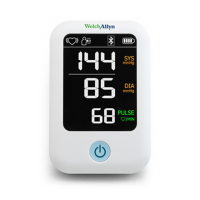
4 Power button Powers on the monitor, starts and stops a blood pressure
measurement, and—when pressed for 2 seconds—initiates a
Bluetooth pairing
5 LCD Display Displays blood pressure reading and other pertinent information
regarding the reading
Directions for use Introduction 7



 To Next Page
 Loading...