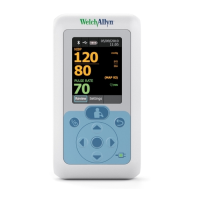
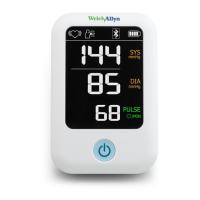
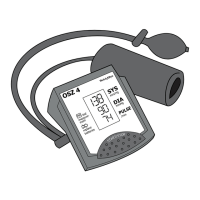
Monitor back
No. Feature Description
1 Direct current power connection When used with an accessory power cord (not included),
connects the monitor to a power outlet
2 Battery compartment (behind cover) Houses 4 AA alkaline batteries
Power options
CAUTION To get optimal performance and protect your monitor, use only
the correct batteries or the Welch Allyn-approved power adapter.
The monitor is powered by one of two sources:
•
4 AA alkaline batteries
•
AC adapter (6v 1A) (not included)
8 Introduction Welch Allyn Remote Monitoring Blood Pressure Device RPM-BP100SBP



 To Next Page
 Loading...