Directions for use 19
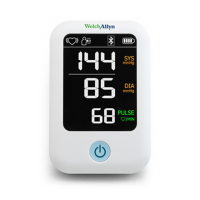
Screen elements
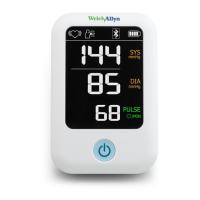
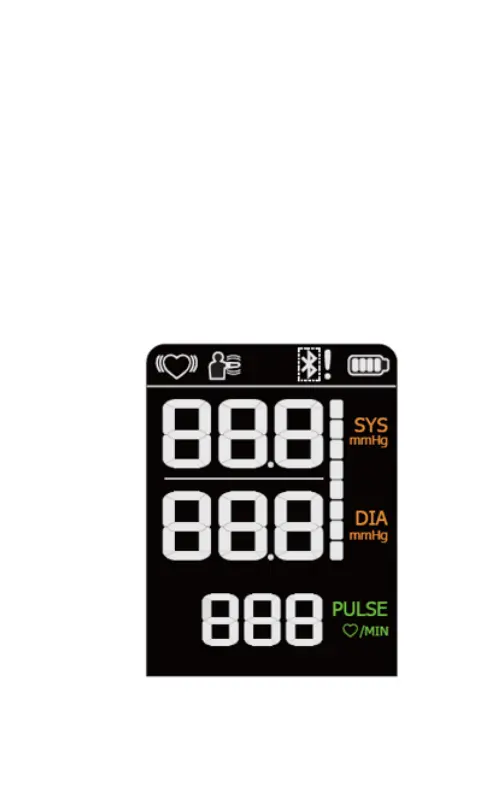
The liquid crystal display (LCD) displays
the following: systolic blood pressure
(mmHg), diastolic blood pressure
(mmHg), pulse rate (bpm), heart beat
(regular or irregular) while acquiring
blood pressure measurements, excessive
motion alert, Bluetooth connectivity
status or data transmission error, alarm
priority, and battery charge level.


 To Next Page
 Loading...