EasyManua.ls Logo

Welch Allyn Home - Understanding Physiological Alarms; Interpreting High (HI) and Low (LO) Reading Alarms

Welch Allyn Home
71 pages
Print Icon
To Next Page IconTo Next Page
To Previous Page IconTo Previous Page
Loading...
42
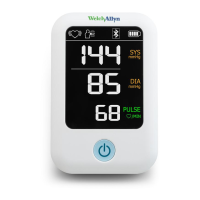
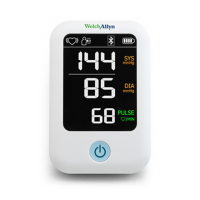
Welch Allyn Home Blood Pressure Monitor
Physiological alarms
Symptom Root cause Solution
Out of range.
Either SYS
>260mmHg or
DIA
>220mmHg.
The symbol
may appear in
either the SYS
or DIA area of
the screen.
Press and
hold the
Power
button to
reestablish
Bluetooth
connectivity.
Measure
again. If the
problem
persists,
contact your
physician.
Alarm
priority =
Low
Out of range.
Either SYS
<50mmHg or
DIA <25mmHg.
The symbol
may appear in
either the SYS
or DIA area of
the screen.
Press and
hold the
Power
button to
reestablish
Bluetooth
connectivity.
Measure
again. If the
problem
persists,
contact your
physician.
Alarm
priority =
Low

Related product manuals