Troubleshooting
CAUTION A defective device should not be used.
A device with parts which may be broken or
missing, visibly worn, distorted, or contaminated
should be replaced immediately.
To correct an error, follow these instructions or contact Welch Allyn Technical
Support: www.welchallyn.com/service.
Troubleshooting image quality
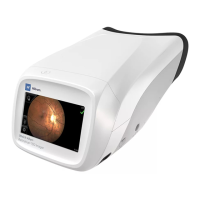
Good quality image
117


 To Next Page
 Loading...