Page 9
For both the ARC 140 and ARC 170
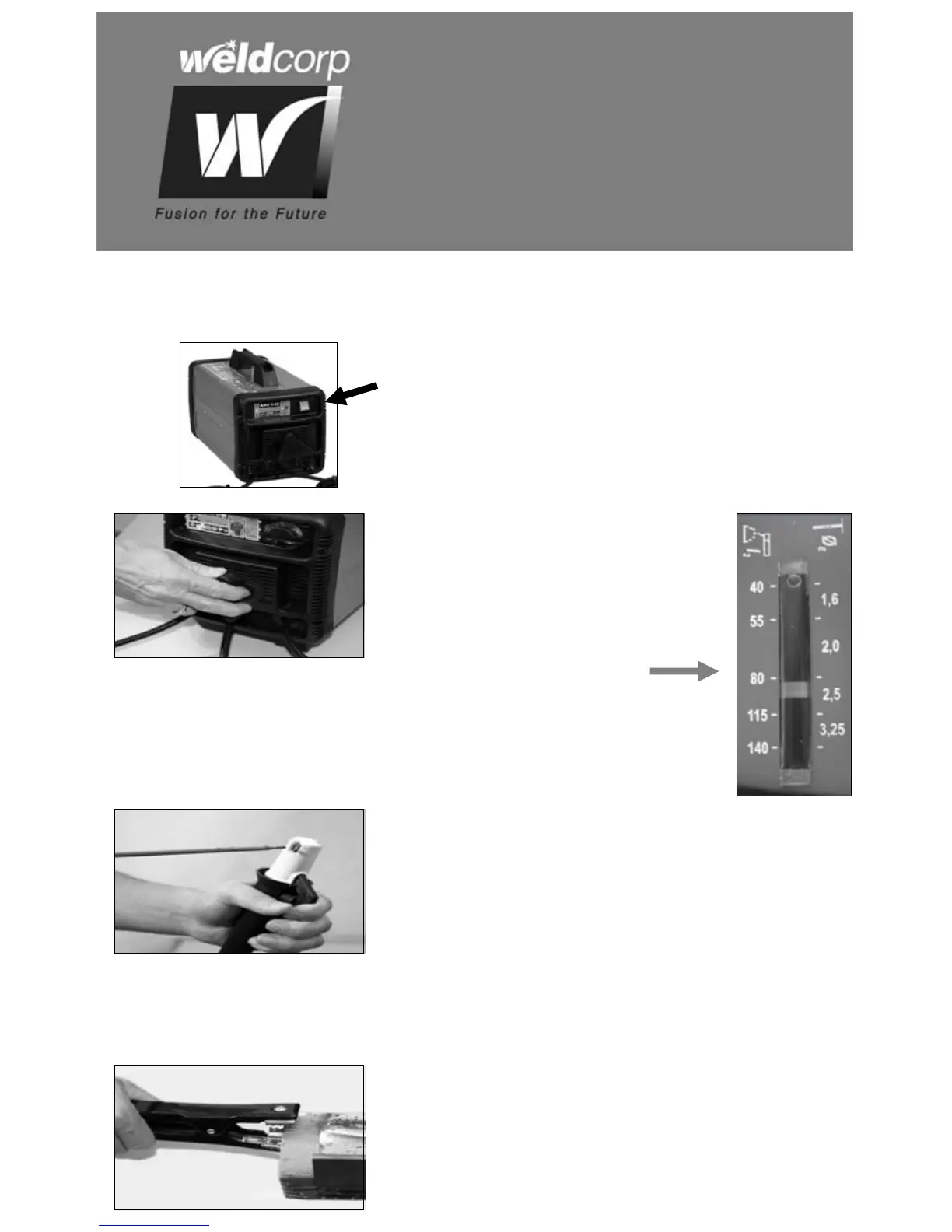
Plug the welder power supply lead into any
earthed domestic power point. Flick on the on/off
switch located on the front panel.
OPERATION
For both the ARC 140 and
ARC 170
The amperage can be adjusted
from low to high by rotating the
front amperage knob and viewing
the amperage gauge.
For both the ARC 140 and ARC 170
Select the correct diameter electrode accordingly
to the thickness of the piece that you intend to
weld. (A table is located on page 13). Press the
side lever to open the clamp, insert the electrode
into the V-groove and release side lever. Ensure
that the electrode is correctly inserted inside the
electrode holder.
For both the ARC 140 and ARC 170
To ensure earth has good contact, clean the work
piece with a wire brush. Attach the earth clamp to
the clean area to ensure good contact.


 To Next Page