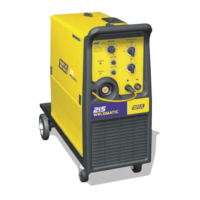
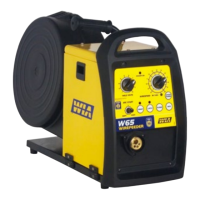
Weldmatic W65 + W66 4RD Wirefeeder
Model No W65, W66 7
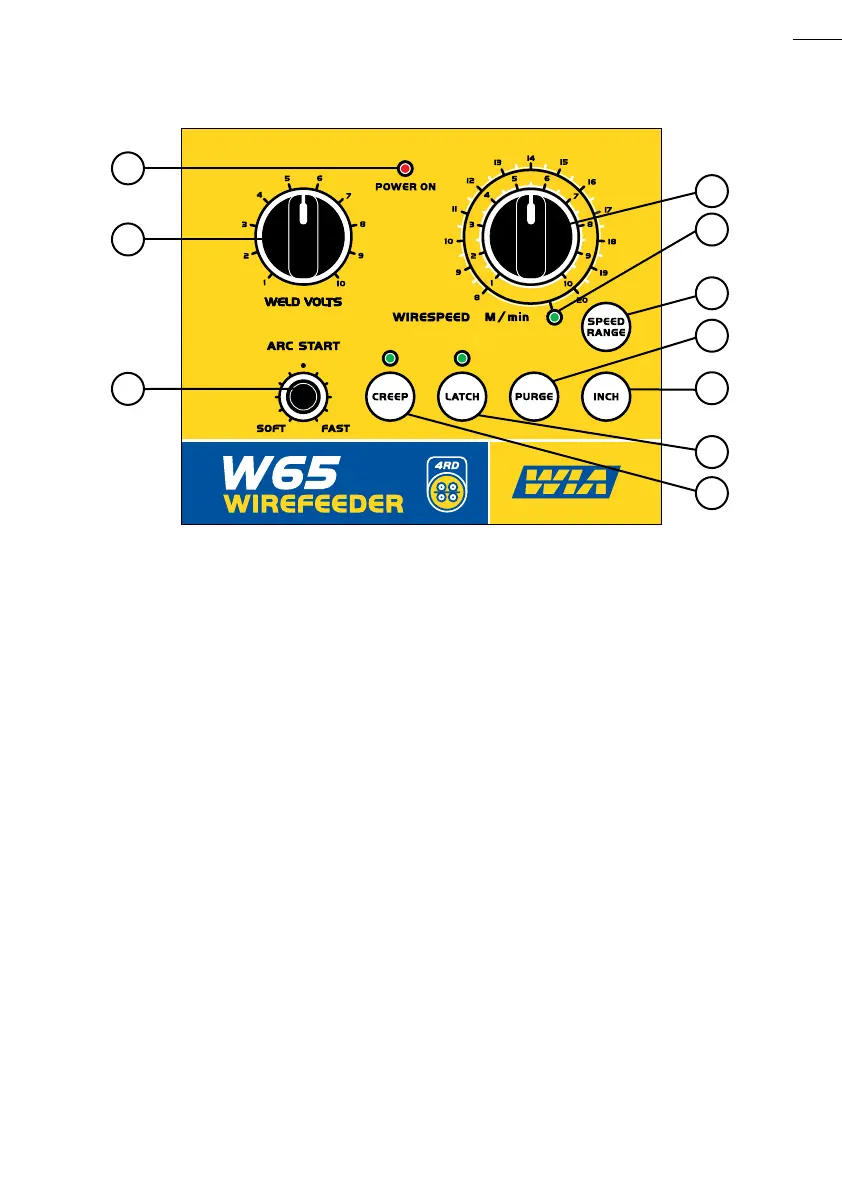
6 Purge Button
Press to open the gas solenoid valve without
energising the welding power source.
7 Inch Button
Press to feed wire without energising the
welding power source. The wire will feed at
the current wirespeed setting.
8 Latch Select Button and Indicator
Press to select and deselect ‘Latch’ mode.
When ‘Latch’ mode is selected, the operator
need close the gun switch momentarily
only to commence welding, and again
momentarily to end welding. This can help
to reduce operator fatigue during long
welding runs.
9 Creep Select Button and Indicator
‘Creep’ is selected when welding more
difficult materials such as aluminium or
stainless steel. In ‘Creep’ mode, the wire is
fed slowly until contact is detected and then
accelerated to the selected speed. Because
the wire comes into contact with the work
slowly the arc establishes smoothly.
This is followed by rapid acceleration so that
the arc does not flare up and damage the tip.
Even if an arc is not established, within one
second of the gun switch being operated
the wire feed accelerates to selected
welding speed.
10 Voltage Control
This control is used to set the welding
voltage. The setting is displayed on the
power source digital display.
WIN576A
4
3
5
1
7
8
2
10
9
Fig 1 Controls on Front Face of Wirefeeder
6


 To Next Page